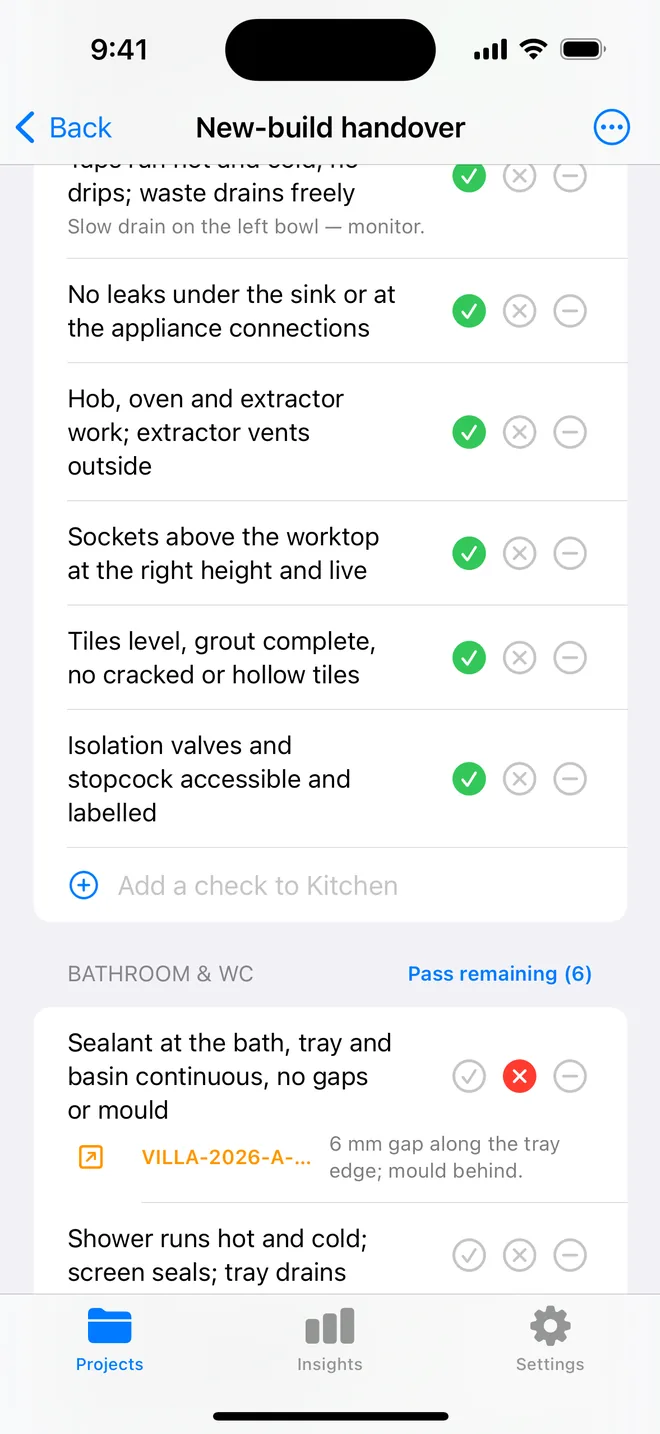
How the walk works in the app
- Download the file above on your iPhone or iPad and open it; it appears under Your templates.
- Walk the areas in order. Tap Pass, Fail or N/A.
- A Fail creates an item with the area and trade filled in; take the photo and the AI drafts the description and severity.
- Add a check on the spot if the list forgot one. Save the walk as your own template.
- The report's appendix prints every check and its result.
The checklist
Trade in grey is what a Fail is filed under. Print this page or tick on screen.
Covering 4
- No slipped, cracked or missing tiles or slatesStructural
- Courses straight; laps correct; no exposed fixingsStructural
- Moss and debris cleared; no ponding on flat areasCosmetic
- Flat roof membrane bonded, no blisters, laps sealedStructural
Flashings and penetrations 4
- Lead or proprietary flashings dressed and pointed at every abutmentStructural
- Soil vent, flue and extract terminals sealed with a proper collarStructural
- Roof windows flashed; no daylight at the kitStructural
- Solar panel fixings sealed; cable entries weatheredElectrical
Ridges, hips and verges 3
- Ridge and hip tiles secure, dry-fix or sound mortarStructural
- Verges closed; no gaps for birds or wind upliftStructural
- Eaves: underlay carries into the gutter; comb filler fittedStructural
Gutters and downpipes 5
- Gutters fall to the outlet; joints sealed; brackets tightPlumbing
- No standing water or overflow marks on the fasciaPlumbing
- Downpipes connected to the drain, not discharging at the wall basePlumbing
- Gulleys clear and gratings fittedPlumbing
- Fascia and soffit sound; vents unobstructedFinishing
Roof space from inside 5
- No daylight visible except at ventsStructural
- No damp staining on timbers, underlay or insulationStructural
- Insulation continuous, not blocking eaves ventilationFinishing
- Water tank lidded and insulated; pipes laggedPlumbing
- Fire stopping at party walls completeSafety
Questions
How do I use the roof and rainwater checklist in the app?
Download the file below on your iPhone or iPad and open it, it lands in the template picker. Then open a project, tap Start next to Checklists and choose it. Tap Pass, Fail or N/A per check; a Fail creates an item with the area and trade filled in.
Can I change the checks?
Yes. In the app, swipe the template to customise a copy: rename areas, add or remove checks, change the trade. You can also add a check during a walk and save the walk as a new template.
Does the walk print on the report?
Yes. The PDF's checklist appendix lists each area, each check, its result and the item a Fail created.
Walk it on your phone
Free to download; the first project is free for good. Checklists are free.
Download on theApp Store