Also for
Snagging inspectors
Your report is what the client pays for. Produce it before you leave the plot.
You already find the defects. Punch List AI writes them up, location, severity, trade, required action: while you are still standing in front of them.
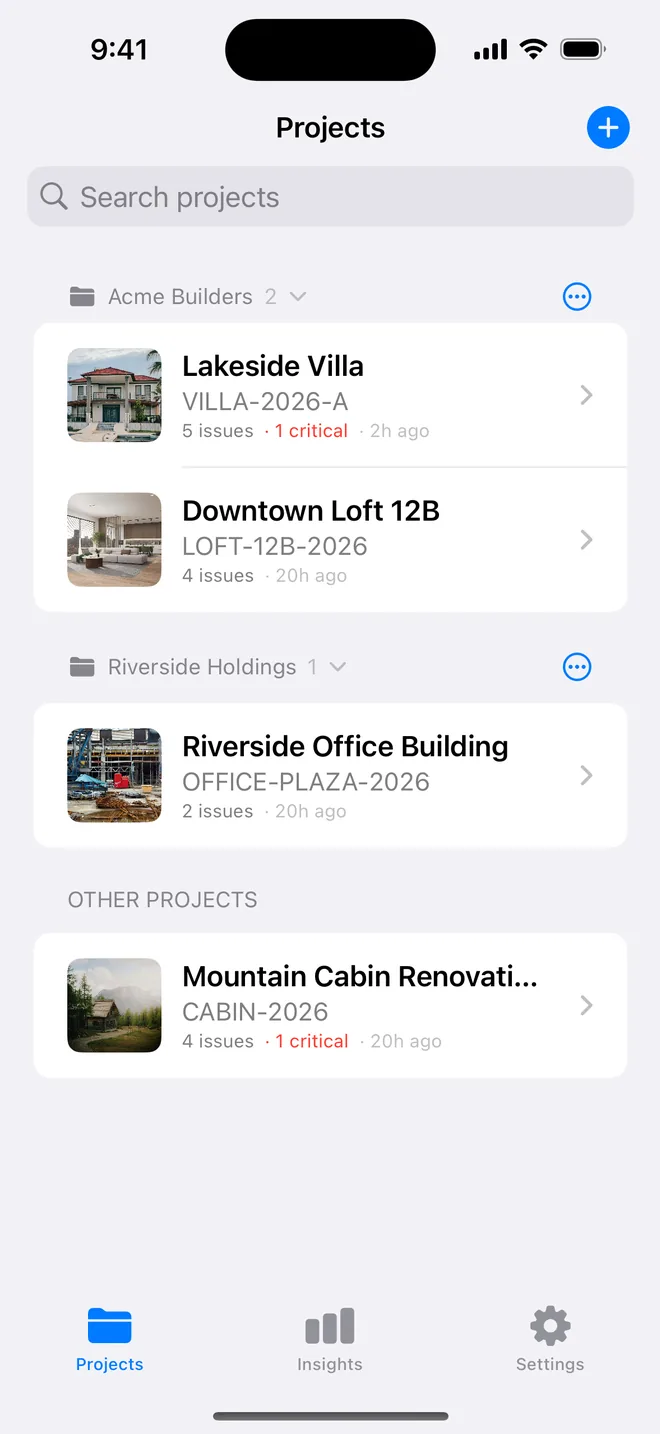
You photograph 60 items on a level-two walk and scribble abbreviated notes. By the time you sit down, a third of those photos no longer have a clear memory attached. "IMG_4471: crack?" Which wall. How long.
So the item that reaches the sub is vaguer than the one you saw. Which means a phone call, a site visit, and an item rejected at back-check because they fixed the wrong thing.
The bottleneck was never finding defects. It is the gap between seeing one and having a written record somebody else can act on.
Open the project, photograph each defect as you find it. Multiple angles on the same issue when one frame does not tell the story.
Description, category, severity, recommended action, about two seconds per photo. You correct anything you disagree with instead of composing from scratch.
One tap produces the PDF, grouped so each sub gets the pages that concern them. Email it from the truck.
Client, reference, start date on the project. Status, priority, trade, location, due date and auto-numbered references on every issue, the fields a closeout actually needs.
Open → in progress → ready for inspection → closed → rejected. Subs do not close their own items, and a rejection carries a written reason.
AI Insights reads across every project you run: who generates the most criticals, which defect keeps coming back, how much of the list is overdue right now.
Cover page with project metadata, then one clear block per issue with photos, severity badge, recommendation and due date. Your logo on it, no watermark.
Capture, editing and PDF generation all work fully offline. The AI analysis step is the one thing that needs a connection: shoot everything offline and run the analyses when you are back in range.
Yes. Form-first entry is fully supported, title, severity, priority, trade, location, due date, no camera involved. The AI is an accelerator, not a gate.
Unlimited on Pro, with up to 100 photos per issue. The free tier gives you one project with five issues and three photos each, enough to test it on a real area before paying.
Free to download. Open the sample inspection or analyse your first defect in under a minute. No account, no setup.