Also for
GC superintendents
Run the punch walk on your phone and leave site with the list already issued.
Walk the building, photograph what does not comply with the documents, and issue a defect schedule that a contractor cannot reasonably dispute.
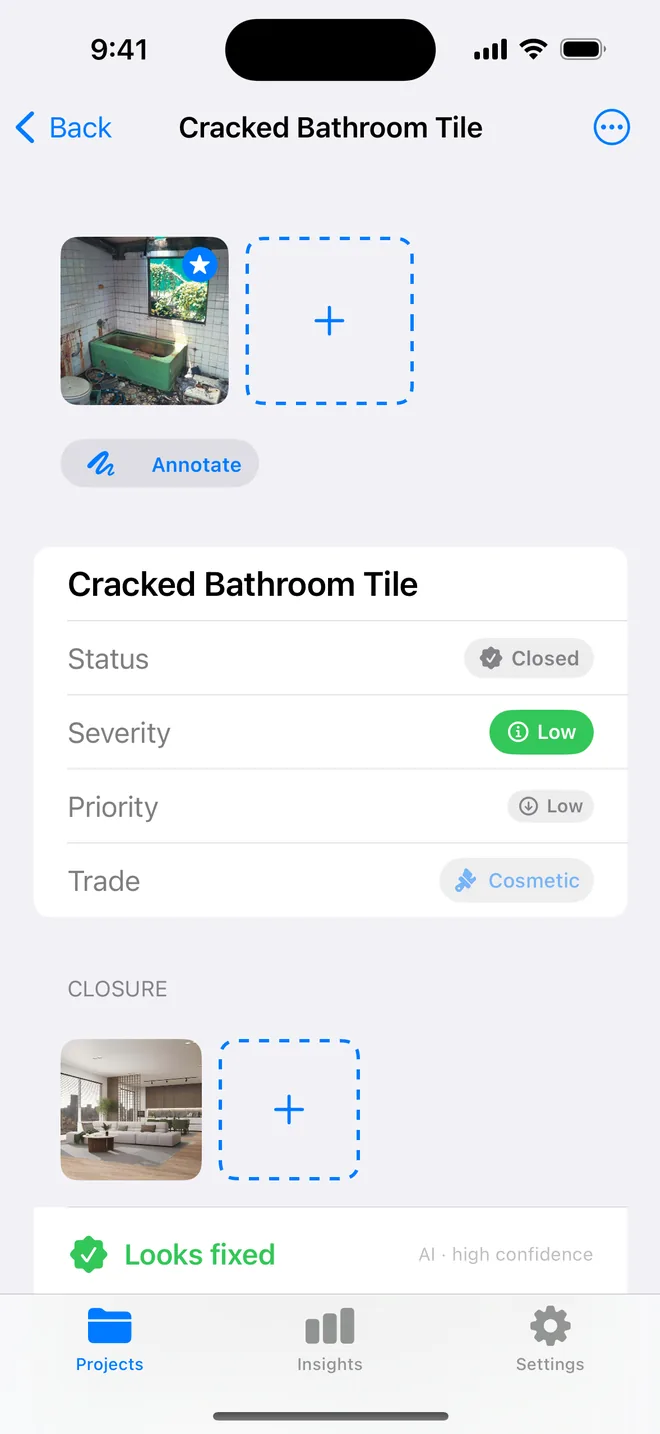
Inspecting against the contract documents is the skilled judgement. Writing 80 items in language precise enough to be actionable, and measured enough to survive a contractor's response, is the work that eats the week after the walk.
Items that say "poor", "various" or "throughout" get rejected or ignored. Items with location, extent and a defined end state get fixed.
Against the documents, not against taste. One item per photograph where possible.
Observation, extent, consequence and required outcome, written to be read by someone who disagrees with you.
Grouped by location or trade, with photographs, references and due dates, as a PDF on your letterhead.
Auto-generated compound references with manual override, so an item can be quoted unambiguously in correspondence.
Severity from the defect, priority from the programme. Sort by one for the client summary and the other for the week's work.
Cover page with project, client and administrator details, then every item with photographs, status and required action.
On-photo annotation removes the ambiguity that generates RFIs.
Not with pin-drop on plans, that is not in the app today. Location is a structured text field (building / level / room / grid reference), which is how most schedules are actually issued.
The generated required action describes an outcome rather than a method, which is deliberate, prescribing method can transfer design responsibility. You can edit any of it.
Yes. Projects carry client, administrator, reference and date fields, and items carry status through to closure and back-check.
Free to download. Open the sample inspection or analyse your first defect in under a minute. No account, no setup.