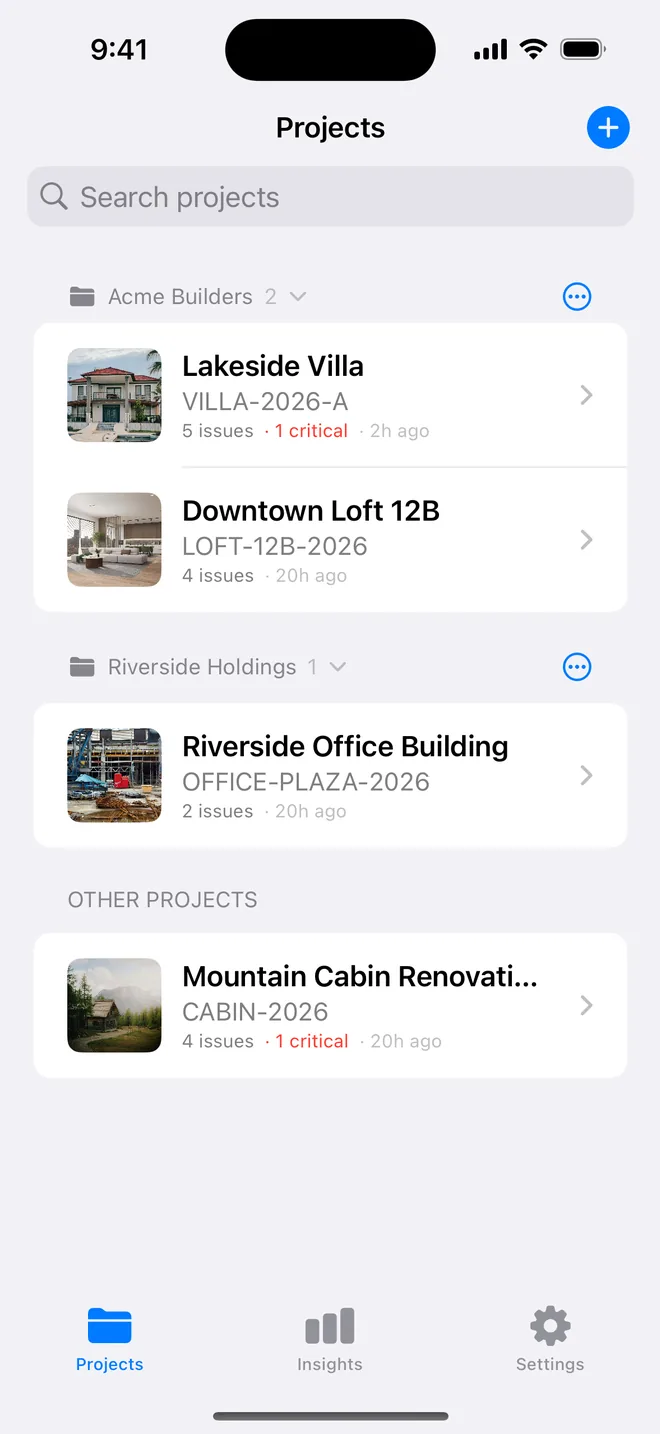
Step by step
- Create the first plot's project with the developer's site manager as the contact and the plot number as the reference.
- Start the New-build handover walk. Add the checks this house type needs and save it as your own template.
- Duplicate the project for the next plot. Change the plot number and the buyer's name.
- Keep all the plots in one folder. Collapse it when you move to the next site.
- Insights shows which plots are still open and which trade keeps failing across the site.
Related questions
Can I share my house-type template with a colleague?
Long-press it in the template picker to export a small file. It imports on their phone in one tap.
Does the buyer see the other plots?
No. Each plot is its own project and its own PDF. The folder is for you.
Try it on your next walk
Free to download; the first project is free for good. No account.
Download on theApp Store