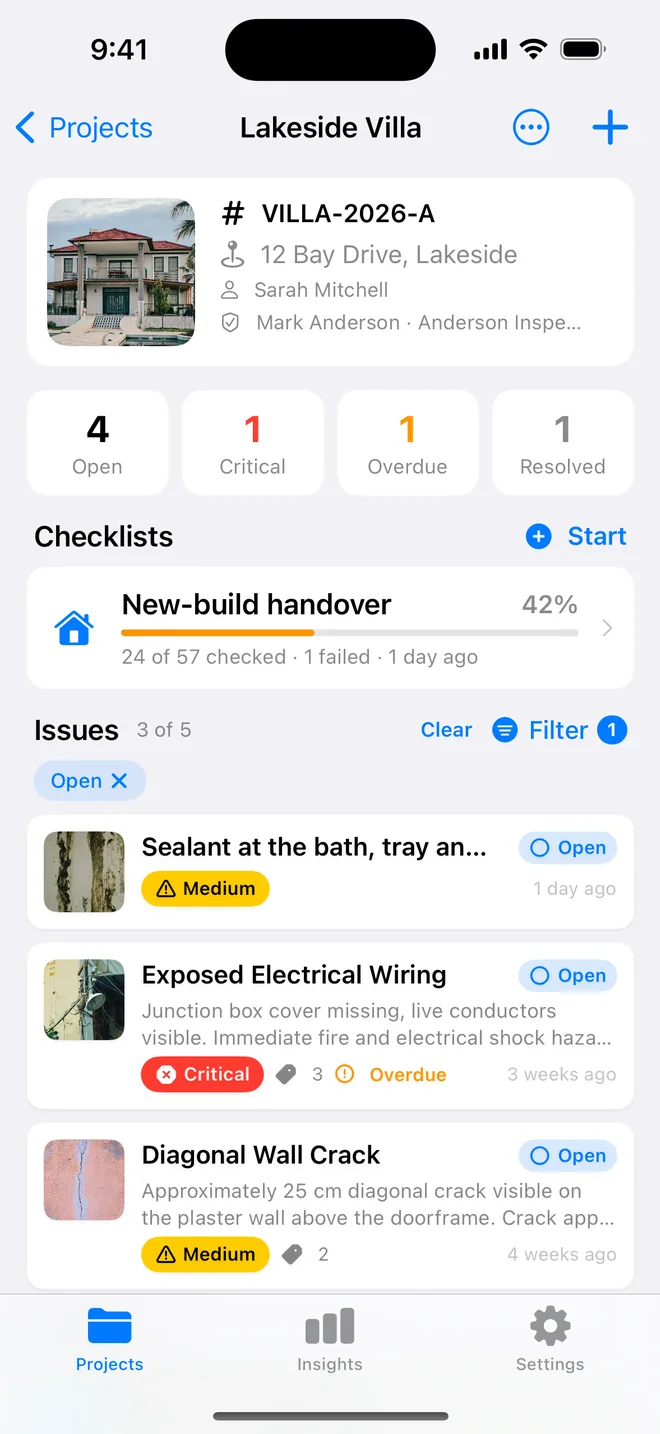
Step by step
- Walk the unit at move-in with the Rental template and photograph every room, including the ones that pass.
- Tag each item: warranty (builder), wear (landlord), damage (tenant). Filter by tag when it is time to bill.
- For a builder's warranty item, assign the builder and set a due date; the summary table shows it late in red.
- At move-out, add after photos to the move-in items. The PDF shows Before and After, dated.
Related questions
Can the tenant sign the move-in report?
Yes. Client sign-off on the report screen: the tenant signs on your phone, and the name, date and signature print on the cover. Email them the PDF as well, so they have their copy.
How many units can I manage?
Unlimited projects on Pro, in folders per building. The free plan is one project.
Try it on your next walk
Free to download; the first project is free for good. No account.
Download on theApp Store