Your projects, in your iCloud, on both devices
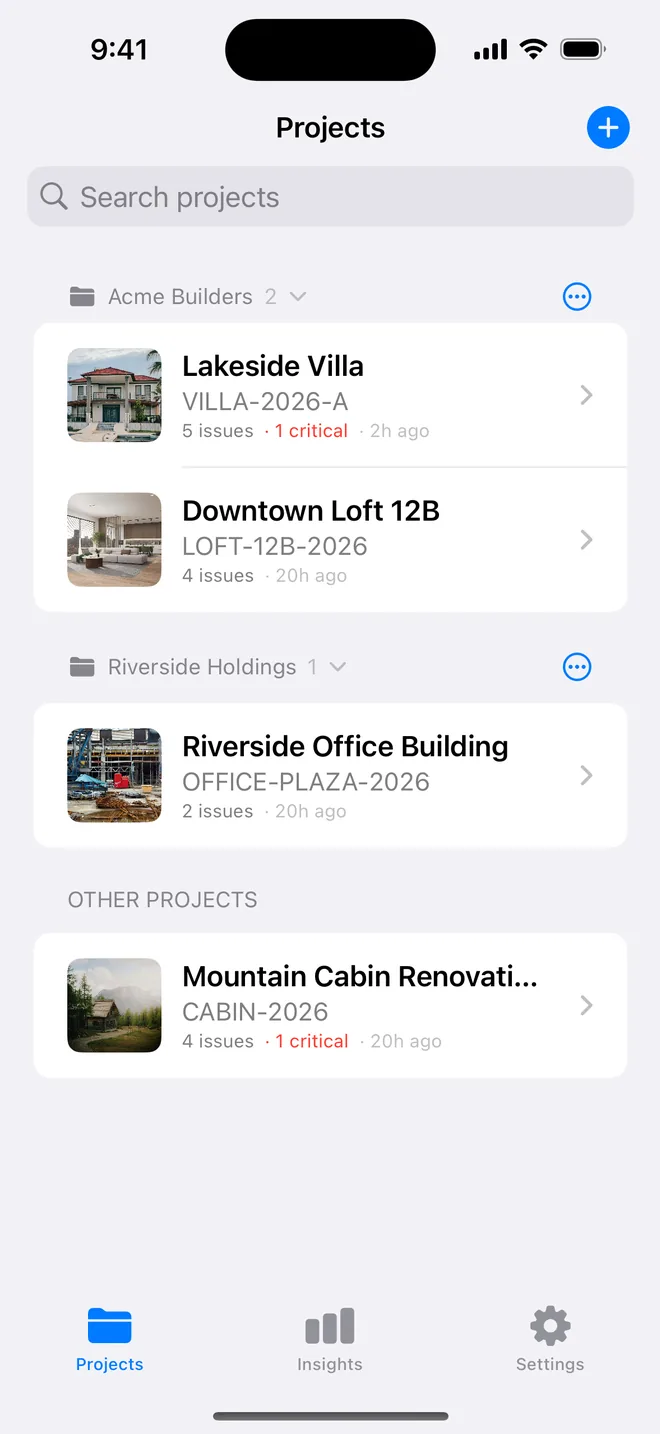
Start on the phone on site, finish on the iPad at the desk. There is no account, no sign-up wall and no server of ours holding your projects, the two most-requested things in the reviews of competing apps.
Free, automatic, survives a new phone
Sync uses iCloud's private database, the same one Notes and Photos use. It is on for everyone, free, and needs nothing but being signed in to iCloud on both devices. A reinstall or a new phone brings everything back.
Photos sync at full resolution; big projects take a minute on first sync and are instant afterwards.
What leaves the device, and what does not
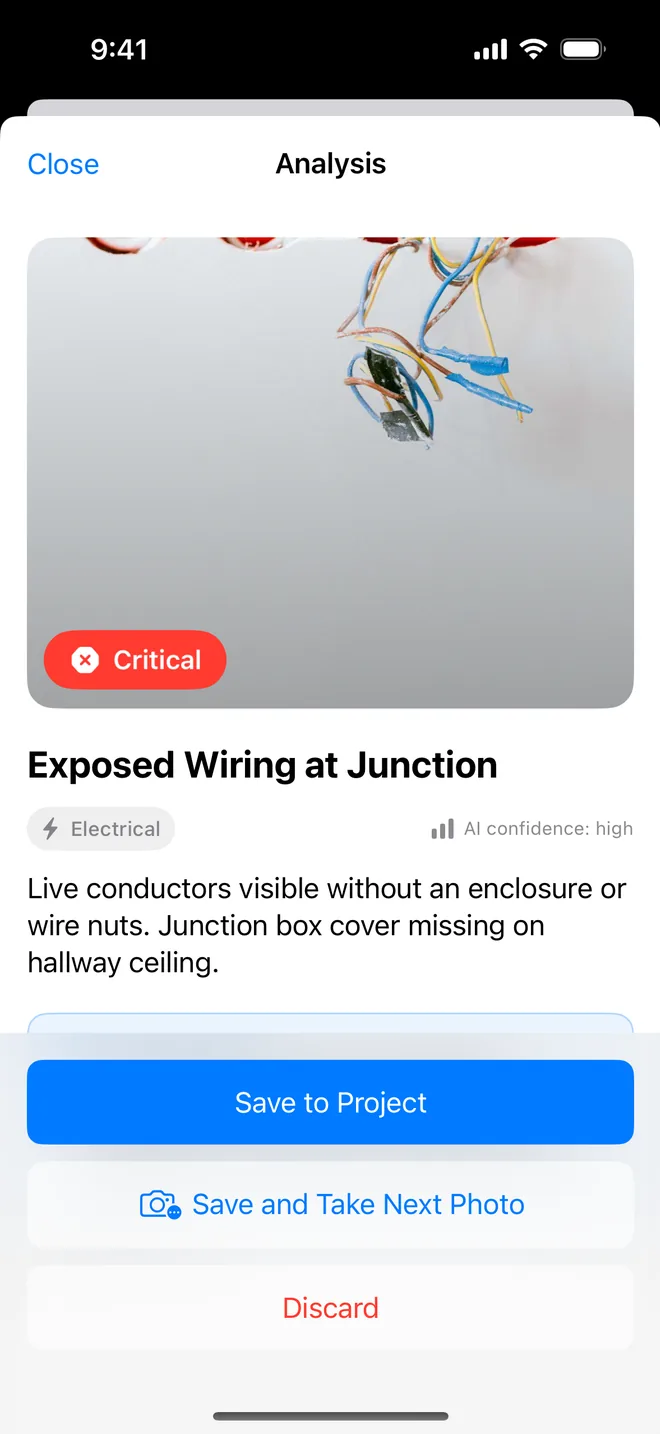
Projects, photos, checklists, signatures and reports stay on your device and in your iCloud. The only thing that leaves is a photo you ask the AI to analyse: it goes through an attested relay (the app proves it is a genuine copy from the App Store), is analysed, and is not kept. No advertising SDK, no third-party analytics, no account.
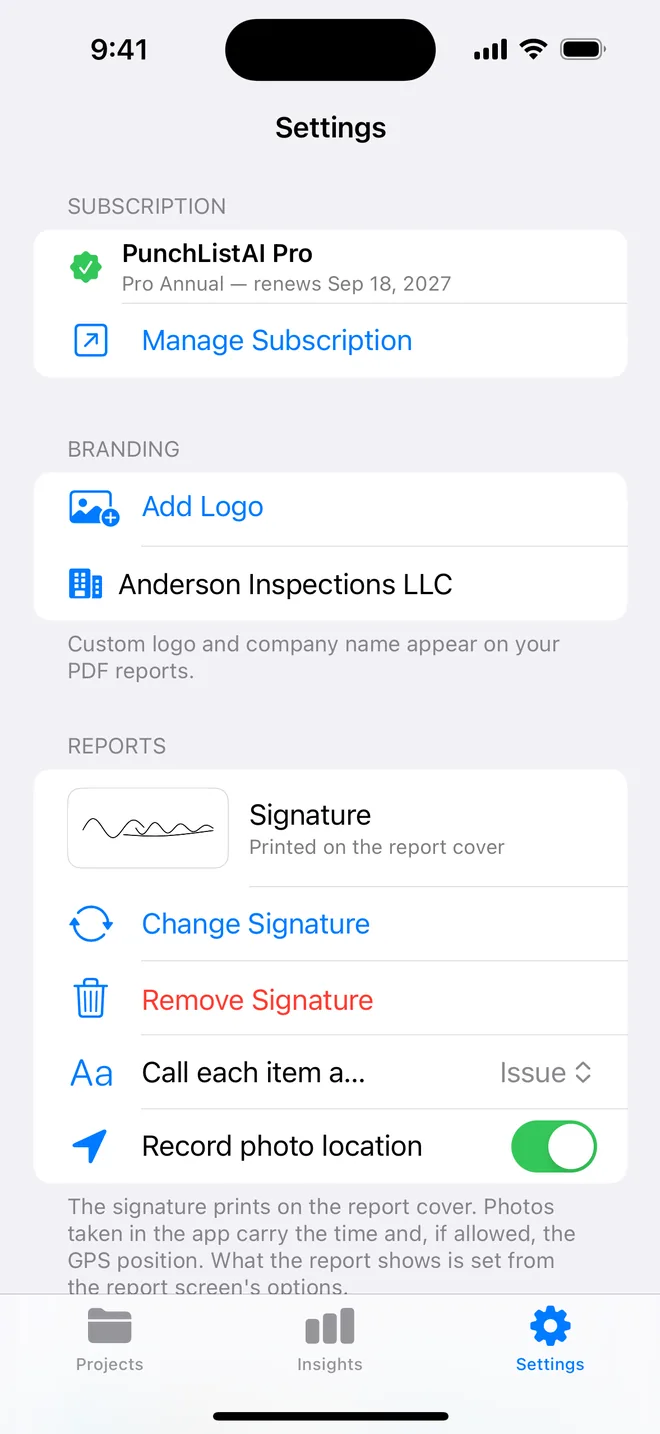
The location toggle is yours: turn it off and photos carry no GPS. Read the privacy policy it is short on purpose.
About icloud sync and privacy
Do I need an account?
No. The App Store handles the subscription and iCloud handles sync; we never see who you are.
Can I turn sync off?
Sign out of iCloud on the device you do not want synced; the app works fully offline.
Can two inspectors share a project?
Not today. Sync is between your own devices. Share the PDF, CSV or a checklist template file instead.
Related features
iPad
Split view with the project beside the list, Apple Pencil on photos and signatures, keyboard shortcuts.
FeaturePDF and Word reports
Ten themes, three layouts, your own wording, a client sign-off on the cover. Word, CSV and a photo zip.
FeatureAI defect analysis
Photograph the defect. The title, description, trade, severity and a fix come back drafted for your review.
Turn your next site walk into a finished report
Free to download. Open the sample inspection or analyse your first defect in under a minute. No account, no setup.