Step by step
- Edit the recommendation on every item, or replace it with the clause reference.
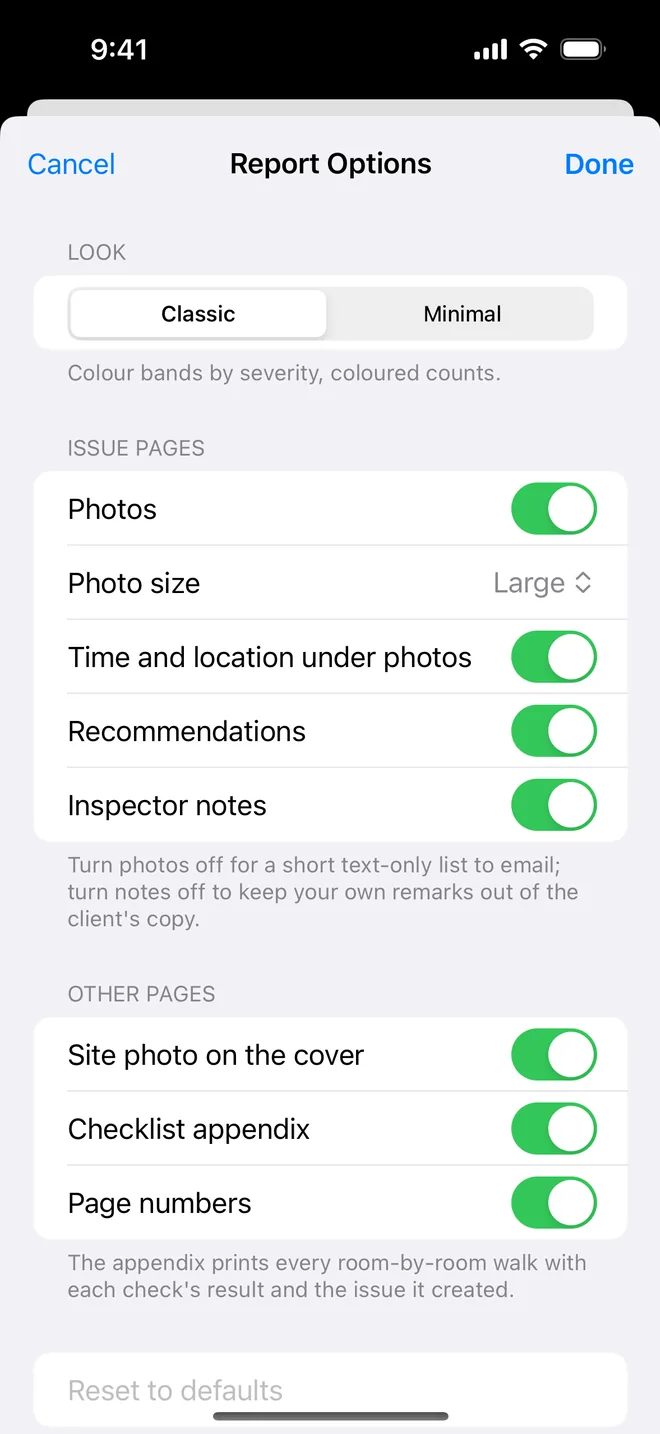
- Keep your reasoning in inspector notes; turn notes off in Report options for the issued schedule.
- Use severity to signal urgency, not wording: critical means make safe now.
- Issue the PDF; keep the version with notes for your file.
On site
Examples, before and after
The risk in prescribing a method is contractual: if you tell the contractor how to fix something and the fix fails, the failure can come back to you. Describe the non-conformance and the standard it should meet; let them choose the means.
A few rewrites from real schedules:
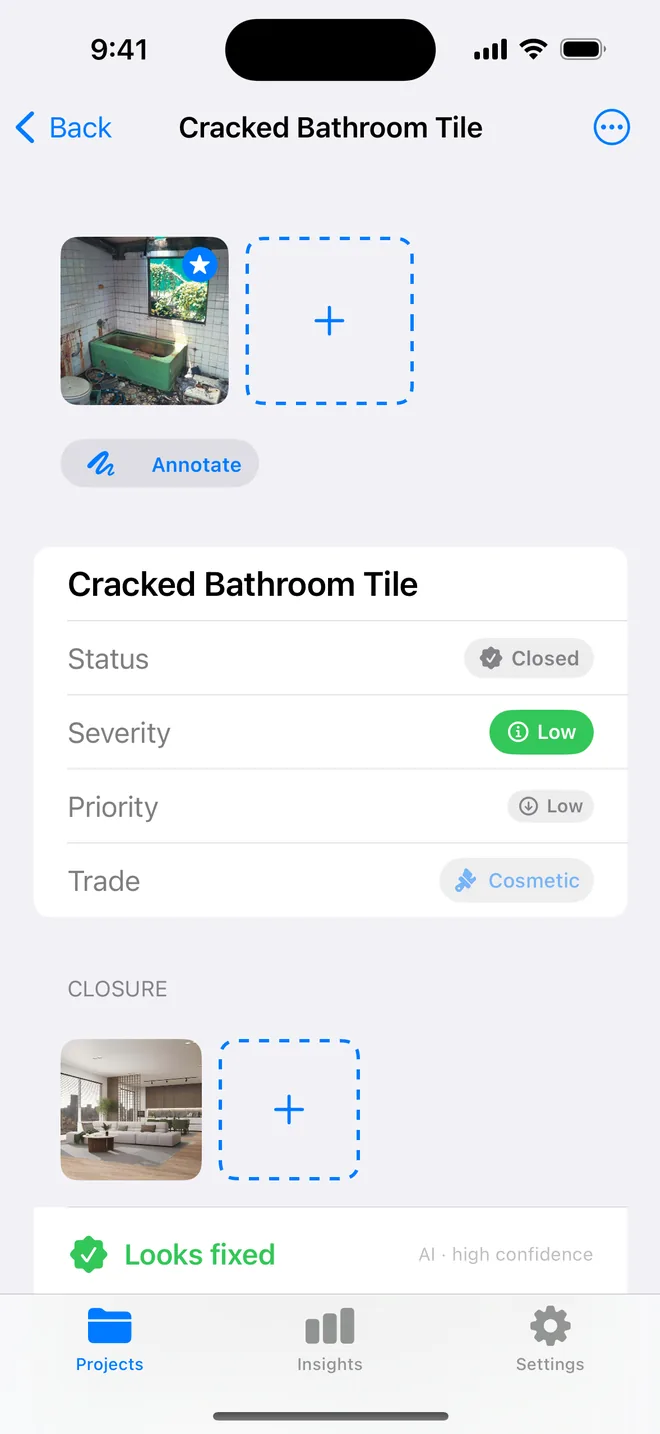
- Prescriptive: "Remove and replace the three cracked tiles with new tiles from the same batch."
Better: "Three cracked floor tiles at the shower entry. Make good to match the surrounding finish." - Prescriptive: "Apply two coats of intumescent sealant around the pipe."
Better: "Service penetration through the compartment wall not fire-stopped. Provide fire-stopping to the specified rating." - Prescriptive: "Re-hang the door with new hinges."
Better: "Door binds on the frame at the head. Adjust so it operates freely and closes to the latch."
Keep your reasoning, measurements and thoughts about likely causes in inspector notes. They are there when you need them at the next meeting, and one switch in Report options keeps them off the issued schedule.
Related questions
Can I turn recommendations off entirely?
Yes, in Report options. The item then shows the observation, photos, location and status only.
Does the summary table show my notes?
No. Notes only appear on the item page, and only when the switch is on.
Try it on your next walk
Free to download; the first project is free for good. No account.
Download on theApp Store