Step by step
- Issue the PC schedule from the project; the numbers are fixed from here.
- Add items during the period with their date; the summary table shows overdue in red.
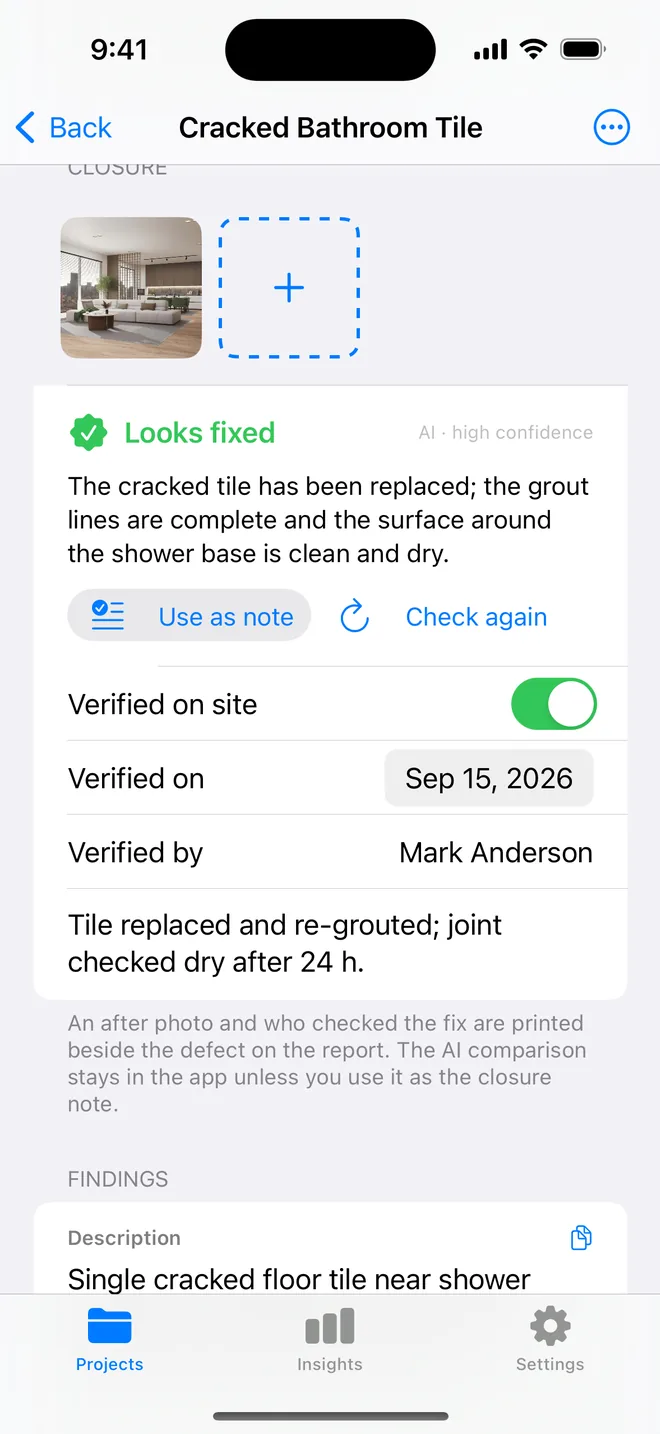
- At each visit, filter to Open, verify fixes with after photos, close them.
- Generate a dated PDF at each visit and the closeout report at the end.
Related questions
What if the contractor disputes a closure?
Reopen it; the resolution date clears, the after photo stays as history, and the next PDF shows it open again.
Can I show the client the progress between visits?
Insights gives the counts; the PDFs are the dated record. Send the latest one.
Try it on your next walk
Free to download; the first project is free for good. No account.
Download on theApp Store