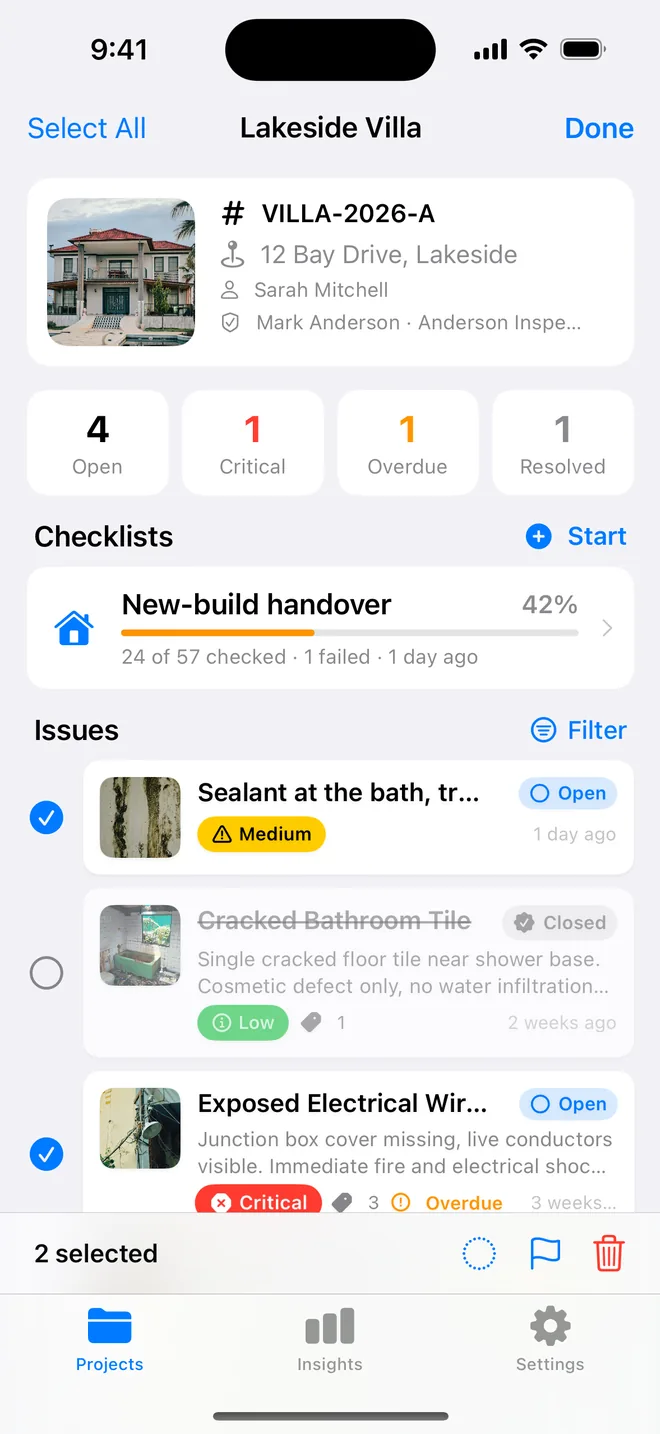
Step by step
- Save every item with an assignee. The chips show the subs you already used on this project.
- Filter by assignee and by Open. The count tells you where the meeting is going to go.
- When a sub reports back, select the items and set them to In Progress or Resolved in one go.
- On your walk, add the after photo and close them. Reopen anything that is not right; the dates clear.
- Send the PDF; every row shows who owns it and whether it is late.
Related questions
Can a sub update the list from his phone?
No, and that is deliberate. You own the record. He works from the PDF or the CSV, and you close the items when you have seen the fix.
Can I sort the PDF by sub?
The summary table lists the assignee on every row. For a sorted list, send the CSV; it opens in Excel and sorts by that column.
Try it on your next walk
Free to download; the first project is free for good. No account.
Download on theApp Store