Step by step
- Number every item from the start; the owner's rep will quote the numbers back to you.
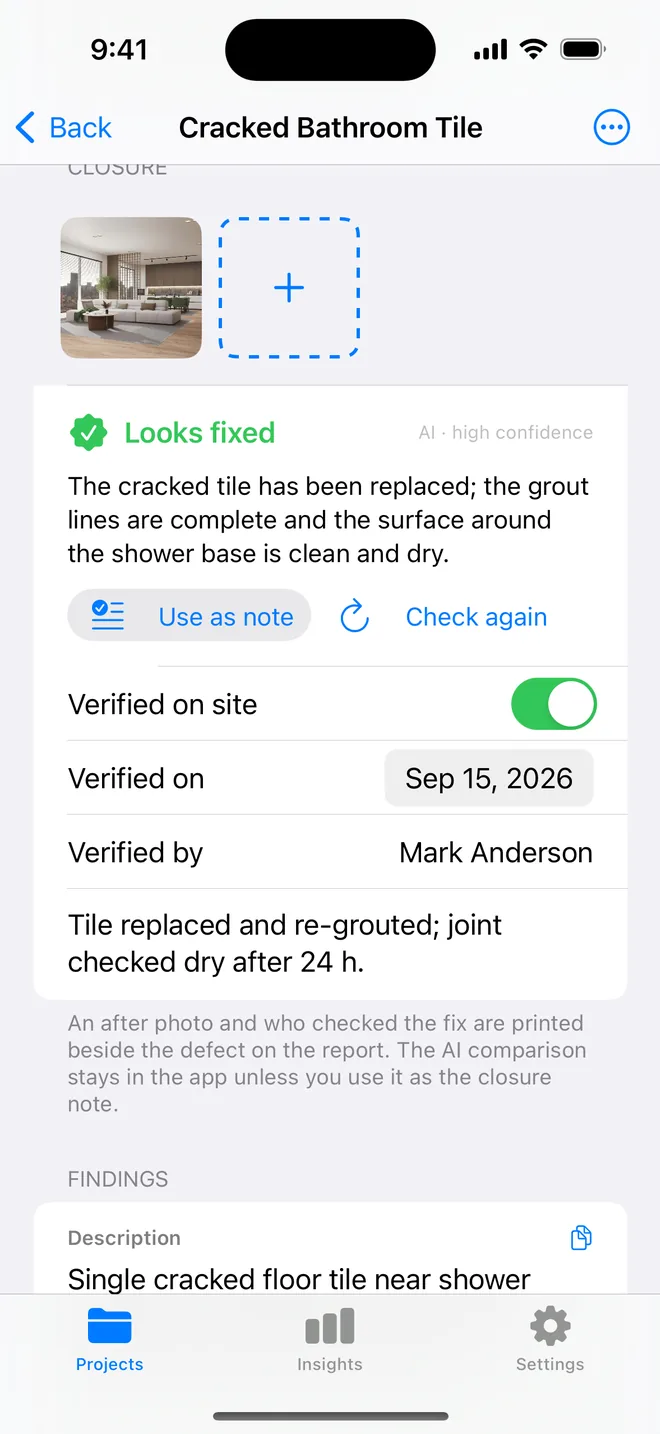
- Close items with an after photo on the day, not from memory at the end.
- Run the walk with the checklist appendix on, so the report shows what was checked and passed, not only what failed.
- Generate the closeout PDF and email it from the app. Keep the CSV for your own file.
Related questions
What if the owner adds items after closeout?
They get new numbers on the same project and a new dated PDF. Nothing already issued changes.
Is the AI verdict on the closeout report?
No. Only your photos, your name and your note print. The AI read is there to help you decide on site.
Try it on your next walk
Free to download; the first project is free for good. No account.
Download on theApp Store