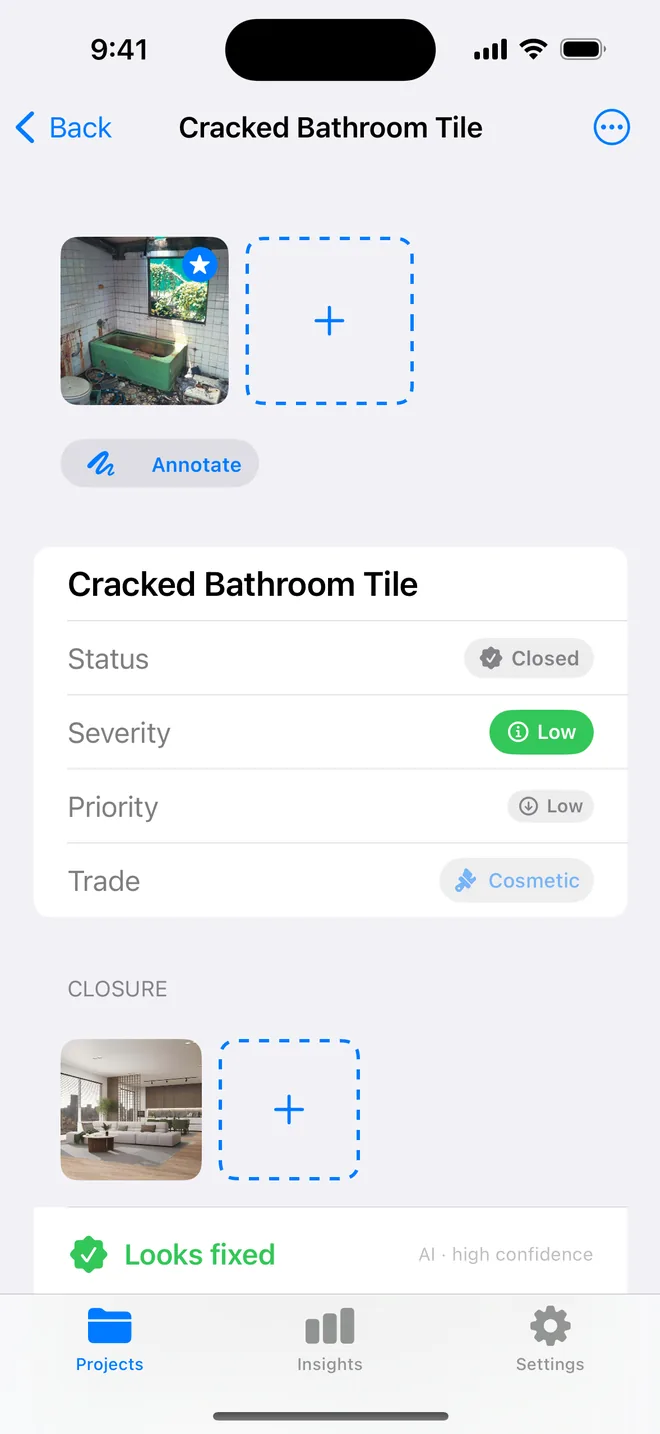
Step by step
- Settings: call each item an observation. Every heading follows.
- Location: level, grid, room. Tags: the drawing number and the spec clause.
- Observation in neutral words: 'Fire door FD30 to stair 2 fitted without intumescent strips; spec clause L20/310.'
- Photo of the element and, where useful, of the drawing detail beside it.
- Issue the schedule as a PDF with the summary table; the CSV sorts by tag.
Related questions
Can I pin items to a drawing?
No. Location is text with suggestions from the project; tags carry the drawing number. Plan pins are a team-platform feature we have chosen not to build.
Does the AI draft prescribe a method?
It suggests one; change or delete the recommendation before saving. Many architects keep the observation and drop the recommendation.
Try it on your next walk
Free to download; the first project is free for good. No account.
Download on theApp Store