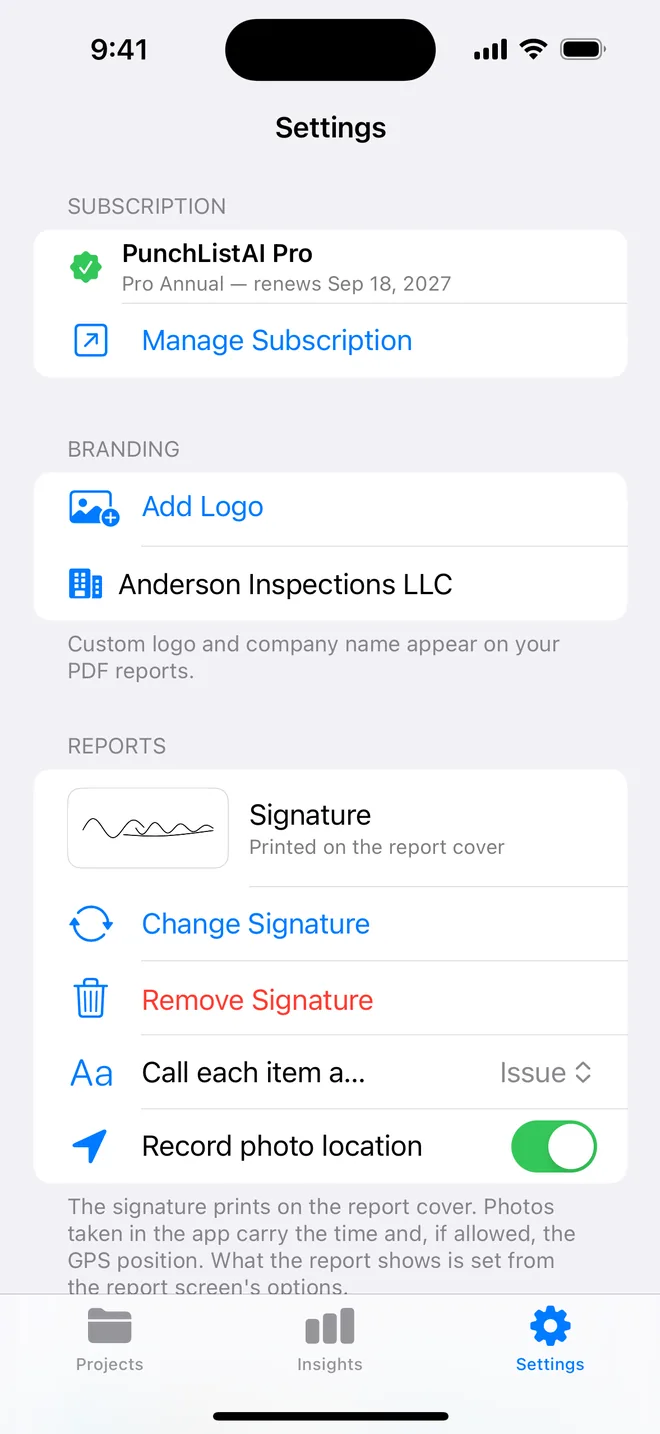
Step by step
- Download from the App Store and open the sample project.
- Create your own project and log up to five items with photos, checklists and closure evidence.
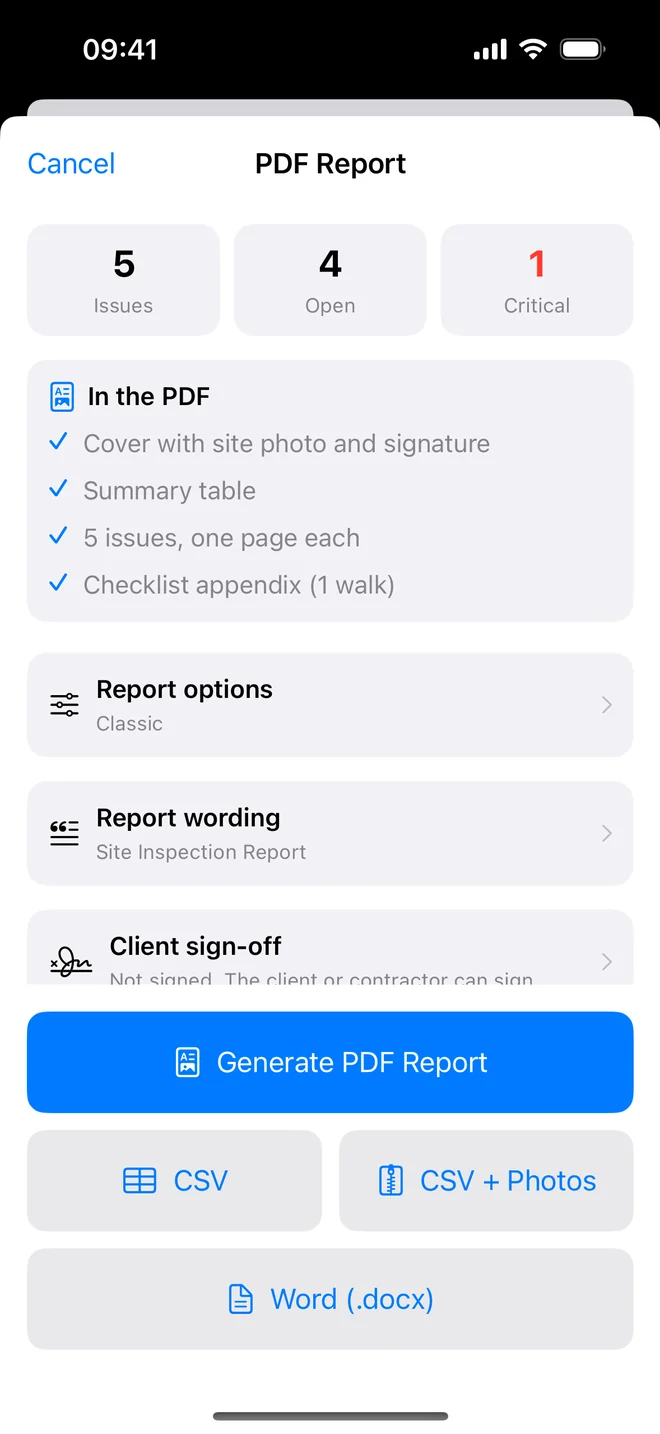
- Generate the PDF (watermarked) and CSV. Nothing is behind the paywall except scale, branding and Insights.
We publish this because the most common one-star review in the category is "did a whole walkthrough, then couldn't export without paying". Export is free here and will stay free.
Who the free plan is really for
The free plan is not a demo that stops working at the interesting moment. It is enough for three kinds of people:
- Homeowners and buyers checking a new build or a renovation once. One project with five items and photos covers a focused snag list; the watermarked PDF is perfectly usable to send to a developer.
- Professionals evaluating the app before committing. You can run a real walk, generate the report, export the CSV and see exactly what a client would receive.
- Occasional users such as a landlord with one property, who needs a dated record at each change of tenant.
Where Pro makes sense is scale and presentation: more than one live project, long lists, many photos per item, your logo instead of the watermark, and Insights across projects. The 7-day trial lets you test all of that on a real job before paying anything.
What we deliberately do not do is lock the export. A tool that lets you spend an afternoon on a walkthrough and then asks for money to see the result is the most common complaint in this category, and the reason the free plan exports from the first item.
Related questions
What does Pro cost?
$9.99 a month or $59.99 a year, billed by Apple, cancelled from Settings. The 7-day trial charges nothing.
Is the AI free?
Yes on the free plan, within its five items. There is a fair-use daily limit on analyses.
Try it on your next walk
Free to download; the first project is free for good. No account.
Download on theApp Store