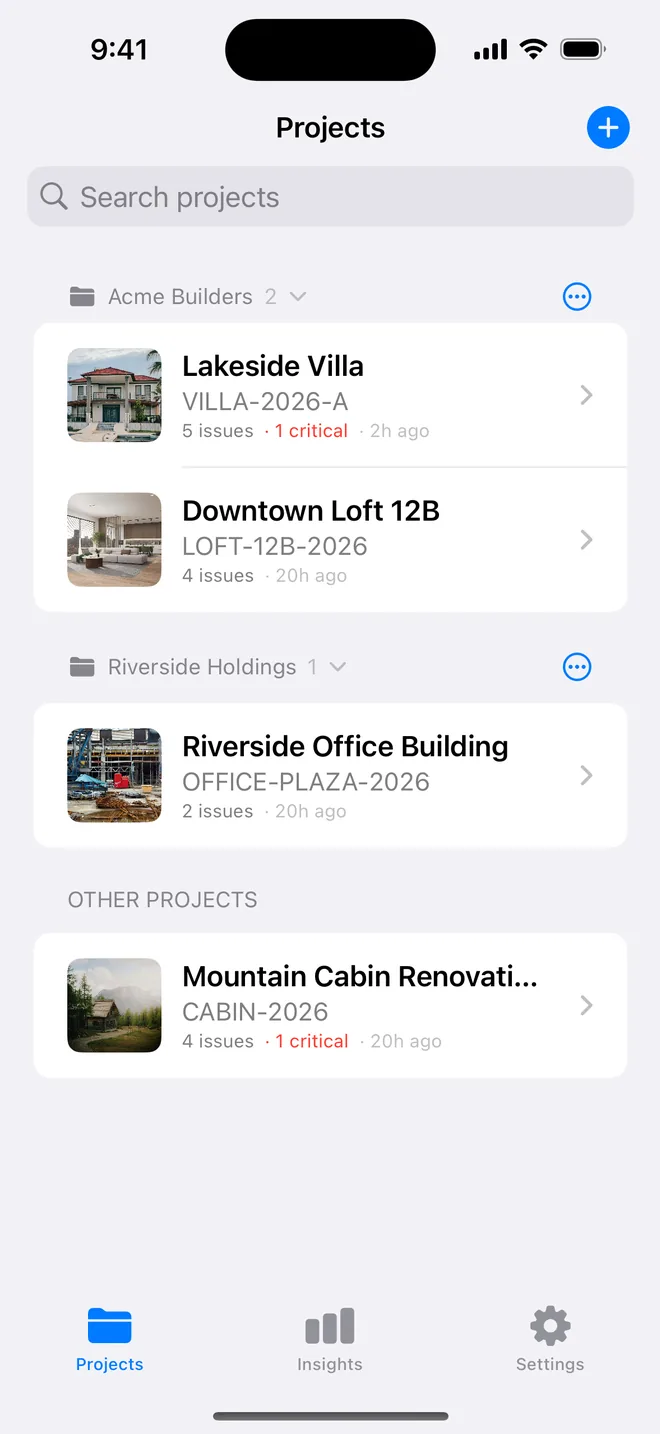
Step by step
- Capture on the iPhone on site; the project appears on the iPad through iCloud.
- On the iPad the project list sits on the left; items lay out in a grid on the right.
- Mark up photos and sign the cover with Apple Pencil; ⌘R generates the report.
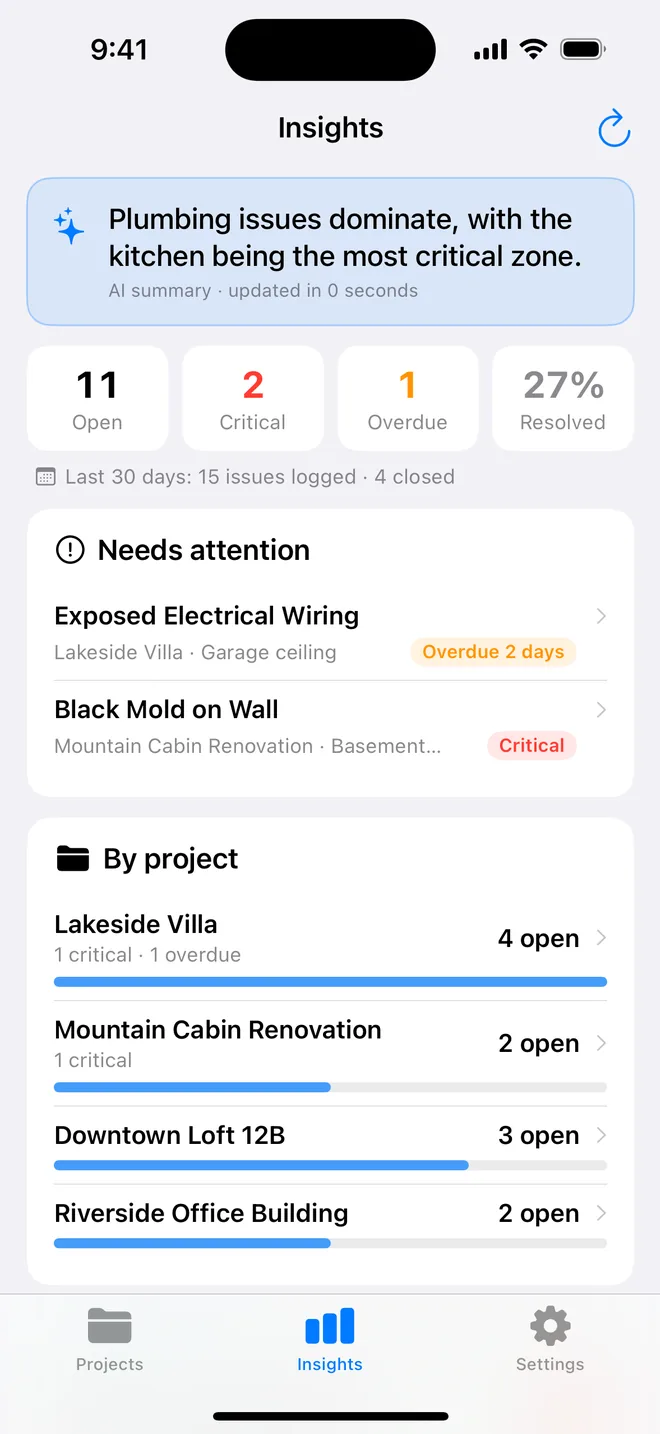
How inspectors split the work between iPhone and iPad
Almost nobody walks a site with only an iPad. It is heavy in one hand, the camera is awkward in a small bathroom, and it does not fit in a pocket on a ladder. What most people settle on is a division of labour:
- On site, iPhone: photograph, check the draft, save, next. Checklists are fastest here too.
- In the van or office, iPad: read the whole project at once, fix wording, mark up photos with Apple Pencil, sign, generate and send the report.
- At the review meeting, iPad: open the PDF at full size, filter by trade, walk the contractor through their items on a screen they can read.
What makes this work is sync you do not have to think about. Projects, items, photos and reports travel through your own iCloud, so the item saved on the second floor is on the iPad by the time you are back at the car. There is no second account and no second subscription: one Pro plan covers both devices on the same Apple ID.
If you only own an iPad, the app works fully on it, including the camera. An iPad mini is a reasonable compromise for people who want one device for both jobs.
Related questions
Do I pay twice for iPhone and iPad?
No. One subscription per Apple ID covers every device you own.
Does it work on an iPad mini for the walk itself?
Yes; the layout adapts to the width, and the camera and checklists are the same as on the phone.
Try it on your next walk
Free to download; the first project is free for good. No account.
Download on theApp Store