Step by step
- Create a project per unit; duplicate it for the next one on the same block.
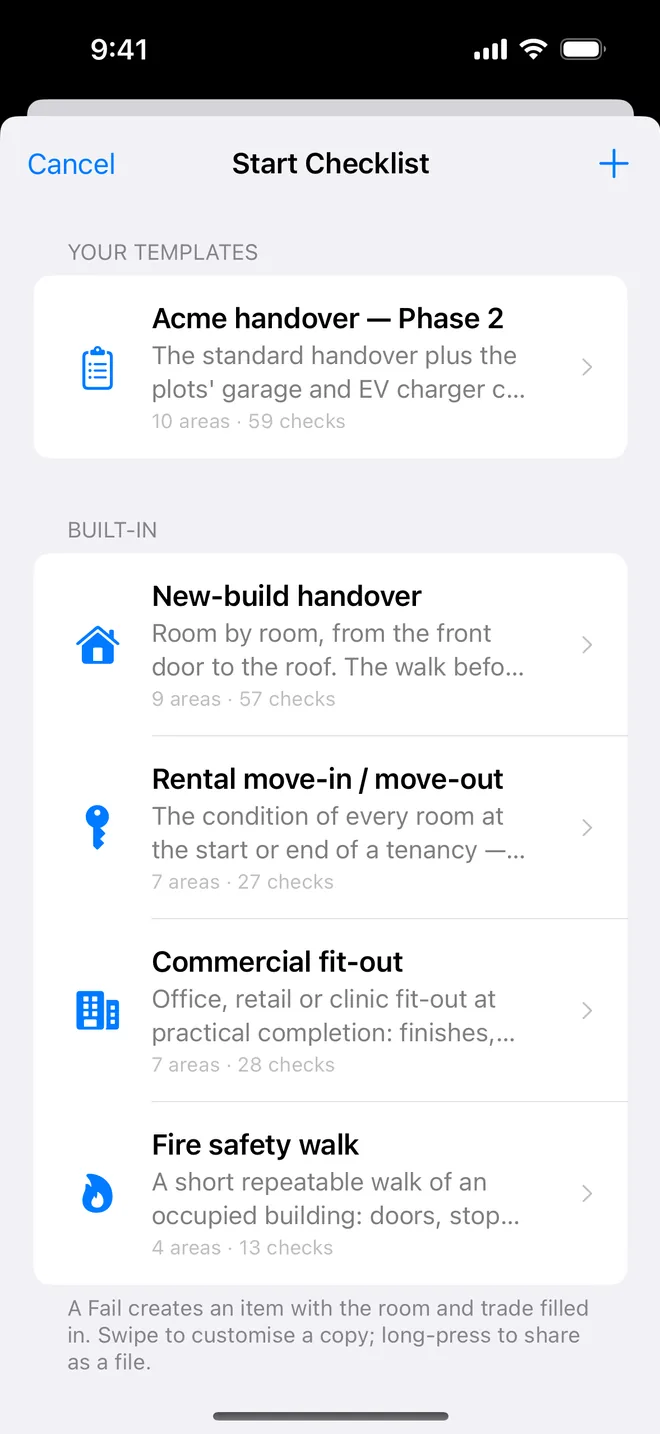
- Start the Rental walk; photograph every room even when it passes.
- Generate the PDF at move-in; at move-out, add after photos to the same items and generate again.
On site
Making the move-out conversation short
Deposit disputes are won or lost at move-in. The landlord or agent who can show the condition of each room on day one, dated and signed, rarely has to argue at the end of the tenancy.
What a move-in record needs to hold up:
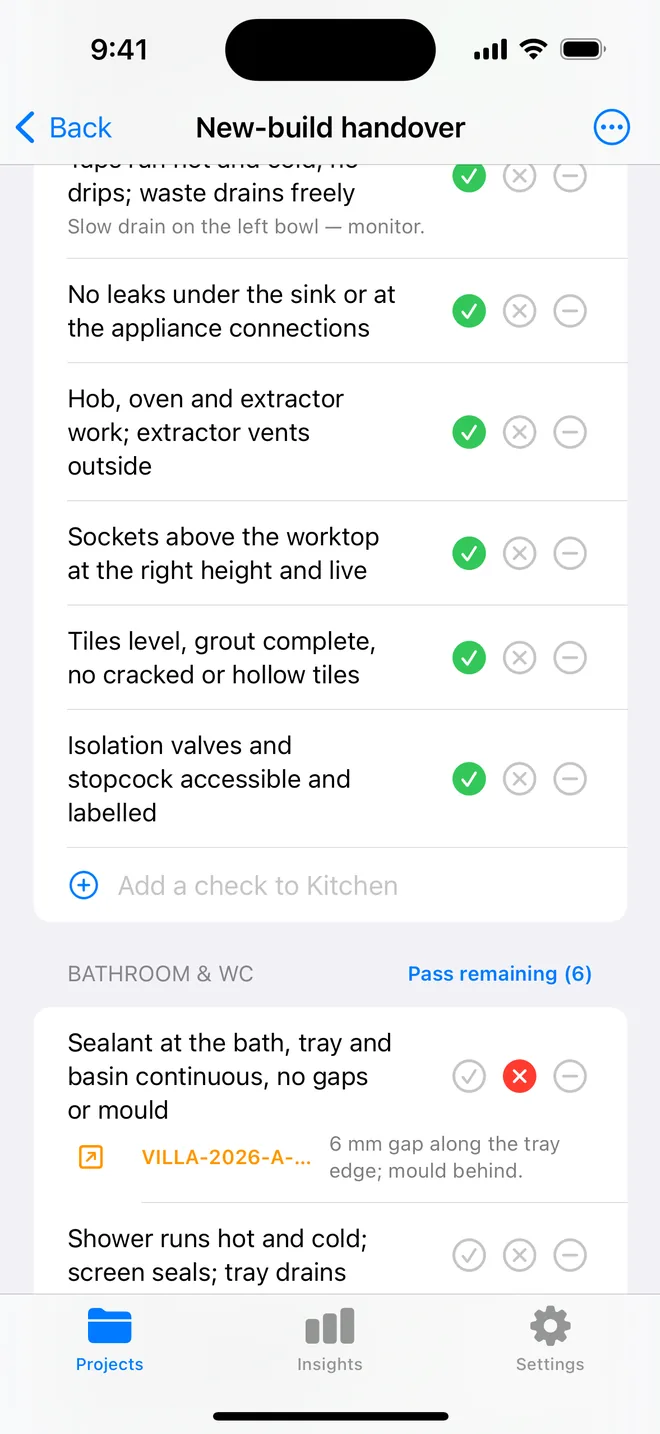
- Every room photographed, including the ones in good condition. "Pass" with a photo is evidence; "Pass" without one is an opinion.
- Close-ups of what is already worn: the scuffed skirting, the chipped worktop edge, the stain on the carpet. These are the items that get blamed on the outgoing tenant.
- Meter readings and keys as items of their own, with a photo of each meter.
- A signed, dated PDF sent to the tenant the same day, so there is no question about when it was made.
At move-out, walk the same checklist on the same project. For anything that changed, add an after photo to the original item and the report shows the two side by side. Fair wear and tear is easier to agree when both pictures are on one page.
Related questions
Can the tenant sign?
Yes. On the report screen, Client sign-off: the tenant signs on your phone and the signature prints on the cover beside yours, with the date.
Can I keep move-in and move-out in one project?
Yes. The closure evidence on each item is exactly that: before and after, dated.
Try it on your next walk
Free to download; the first project is free for good. No account.
Download on theApp Store