Step by step
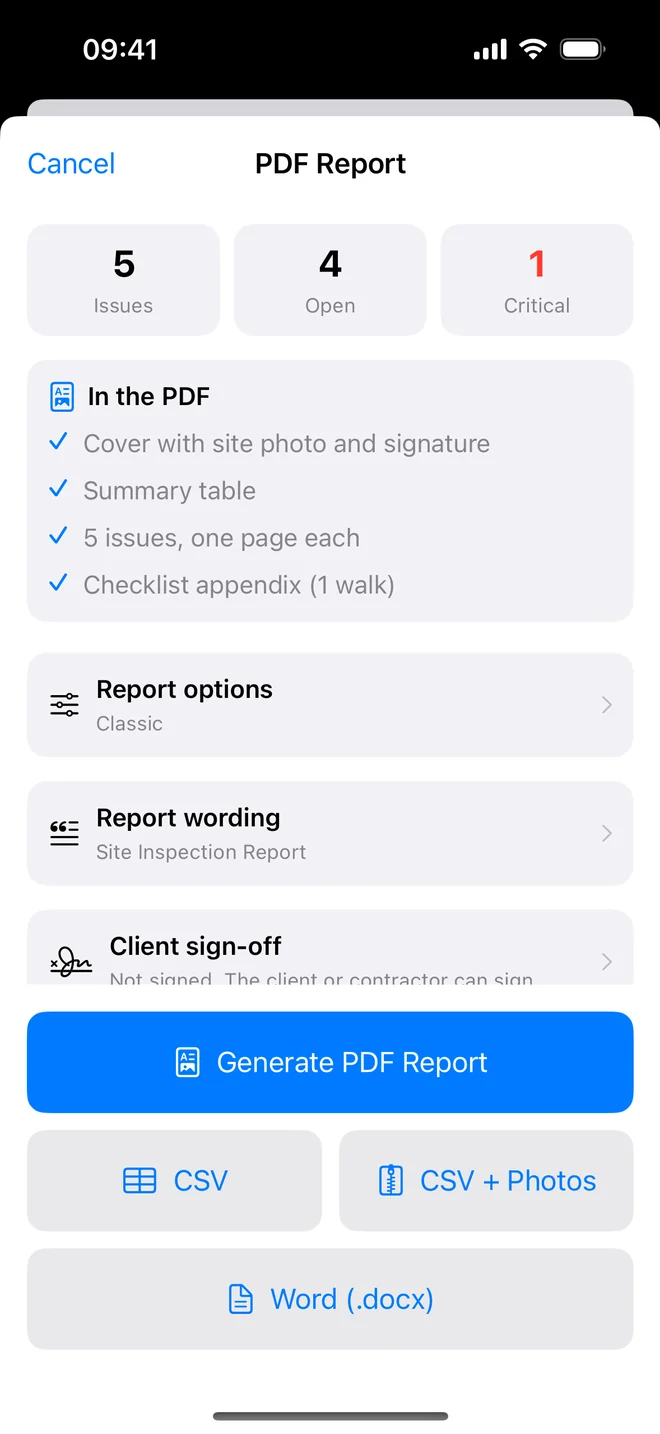
- Tenant: the PDF, with inspector notes turned off in Report options so your private remarks stay with you.
- Contractor: the PDF plus the CSV, or CSV with Photos if they need the pictures named by item.
- Landlord or owner: the full PDF with the checklist appendix.
- Keep a copy: the share sheet saves to Files or Drive in one tap.
Related questions
Is there a web link I can send instead of a file?
Not yet. Files travel better between organisations anyway; a link needs a server and a login.
Can the contractor mark items done?
Not in your record. They tell you; you verify with an after photo and close it.
Try it on your next walk
Free to download; the first project is free for good. No account.
Download on theApp Store