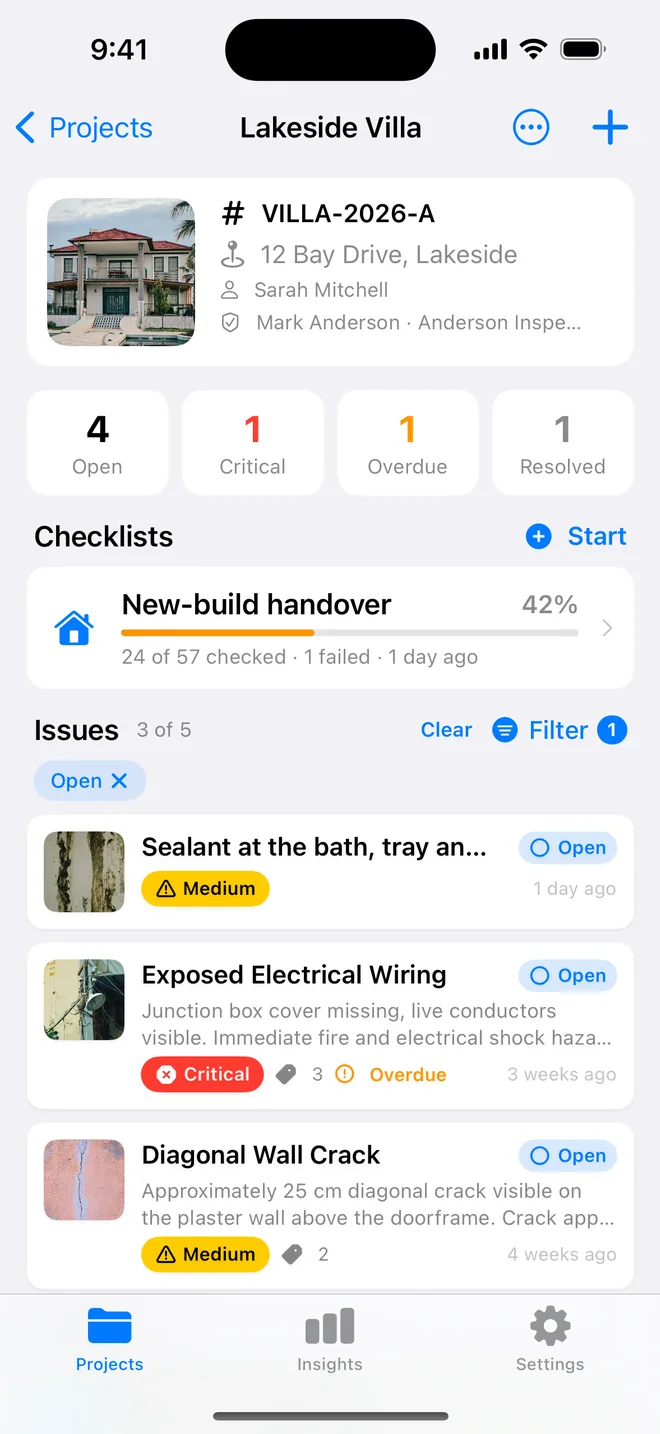
Step by step
- Save each item with an assignee; the last one used is offered for the next item.
- Filter → Assignee to see one trade's list and its count.
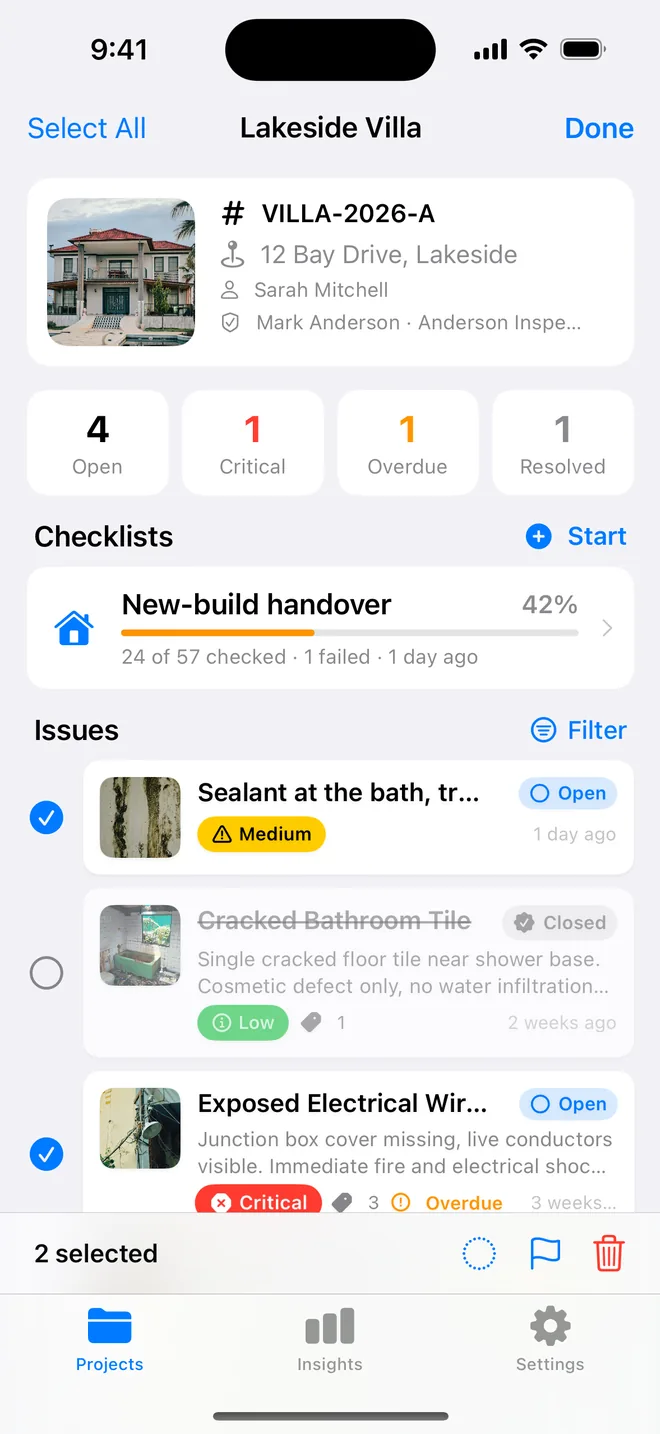
- Select several items and change status or priority together when the trade reports back.
- Send the PDF and the CSV; each contractor works from their rows.
Why one list beats twelve separate ones
It is tempting to send the plumber a PDF of plumbing items only. In practice separate lists cause more trouble than they save:
- items that belong to two trades, such as a leaking trap behind a kitchen unit, fall between the lists;
- numbers stop matching, because each separate list starts again at one;
- the main contractor loses the overview and asks you for the full version anyway.
What works better is one list with a clear owner on every row. The main contractor forwards it to their trades, each trade sorts or filters by their name, and everyone quotes the same numbers. The CSV makes this easy for the contractor's office: sorting a spreadsheet by the "Assigned to" column takes one click.
On your side, filter by assignee before a site meeting with one trade. You walk their items in order, change the status of the ones they have finished in one go with multi-select, and leave with an updated list rather than a page of scribbles.
Related questions
Can I print only the filtered items?
Not today; the report is the whole project so the numbering stays complete. Tell us if a per-trade PDF would change your day.
Can I filter by overdue?
Yes. Status, severity, trade, assignee and overdue are the five filters.
Try it on your next walk
Free to download; the first project is free for good. No account.
Download on theApp Store