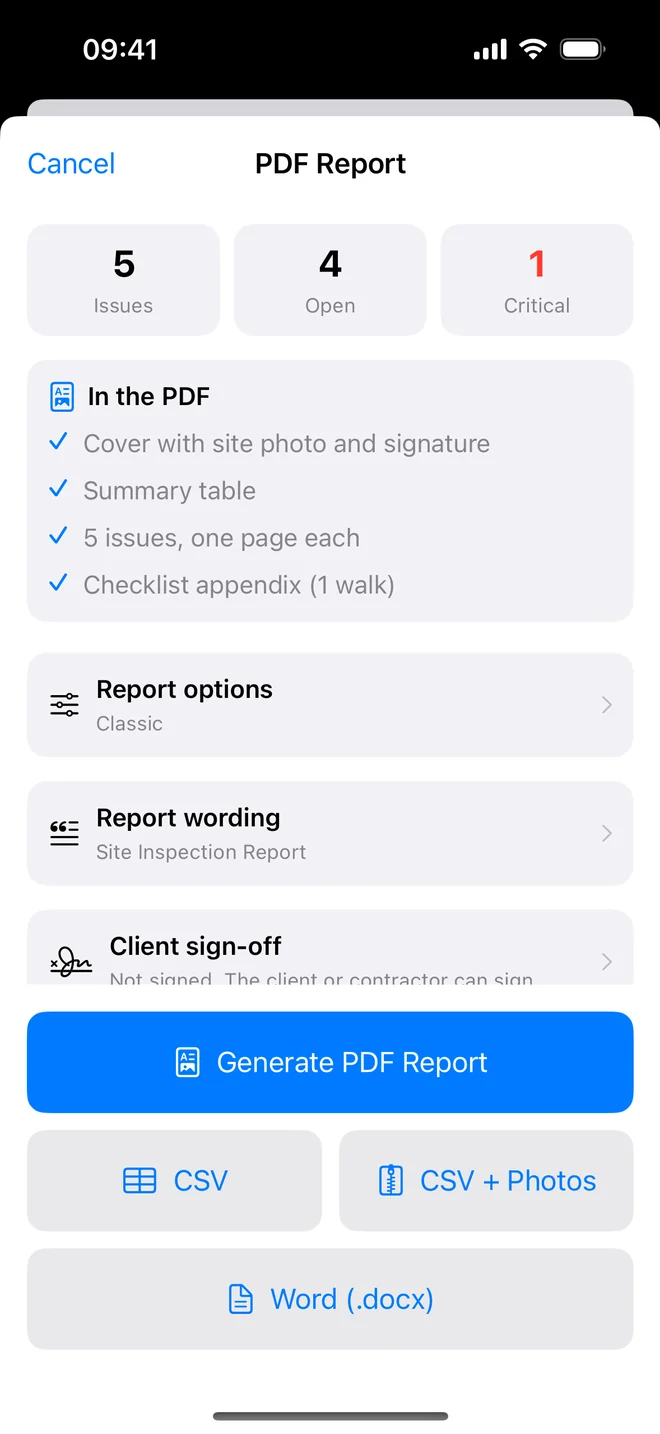
Step by step
- ⋯ → Generate Report on the project.
- Tap CSV (text only) or CSV + Photos (zip with a manifest).
- Share to Files, Drive, Mail or AirDrop; double-click on the Mac to open in Excel or Numbers.
The CSV is UTF-8 with a header row and one line per item; dates are ISO so they sort correctly. Photos in the zip
are photos/003-VILLA-12-1.jpg for the third item's first photo and -after-1.jpg for a closure
photo, with a manifest that maps each file to its row.
Related questions
Is there an XLSX export?
Not yet: CSV opens directly in Excel. Ask us if you need native XLSX and we will say when it is in testing.
Can I import a CSV into the app?
No. Templates import (as checklist files); items are created from photos or typed.
Try it on your next walk
Free to download; the first project is free for good. No account.
Download on theApp Store