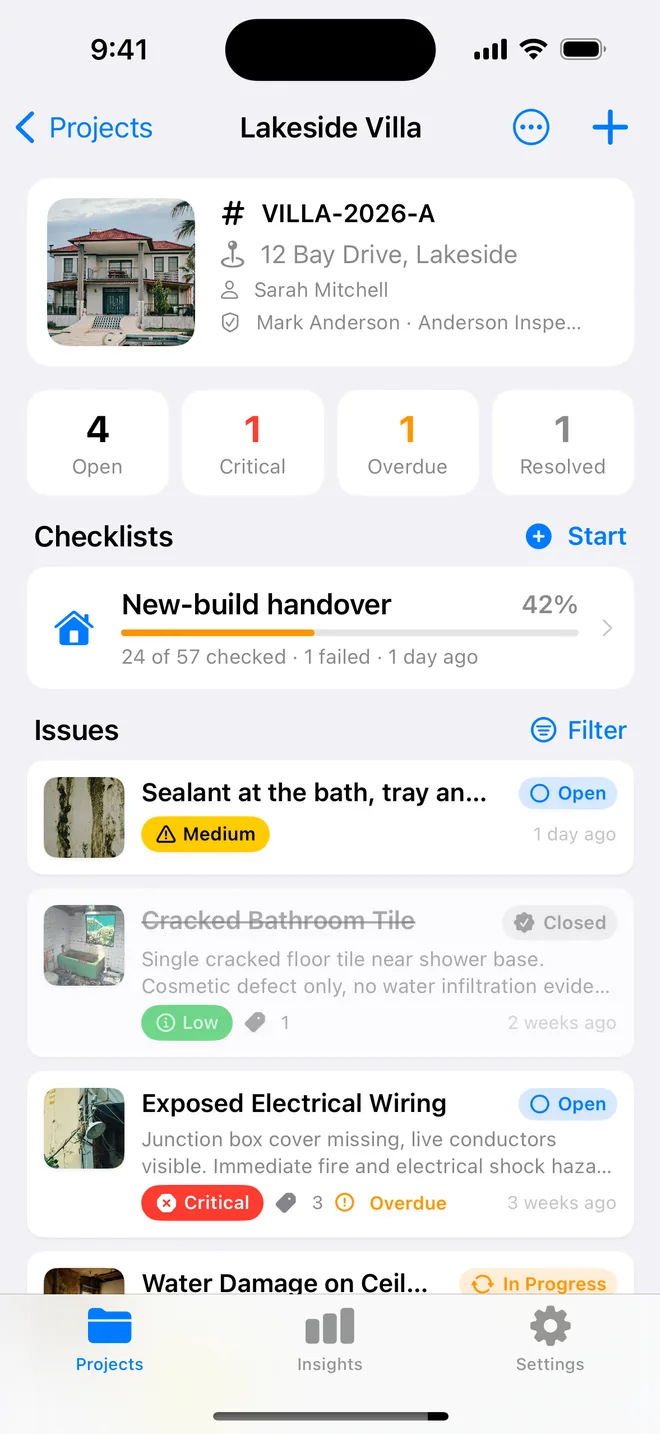
Step by step
- Give the project a reference on its header; it prefixes every item.
- Items get the next number as you save them, in the order you walked.
- Closed items keep their number and appear as Closed in the summary table.
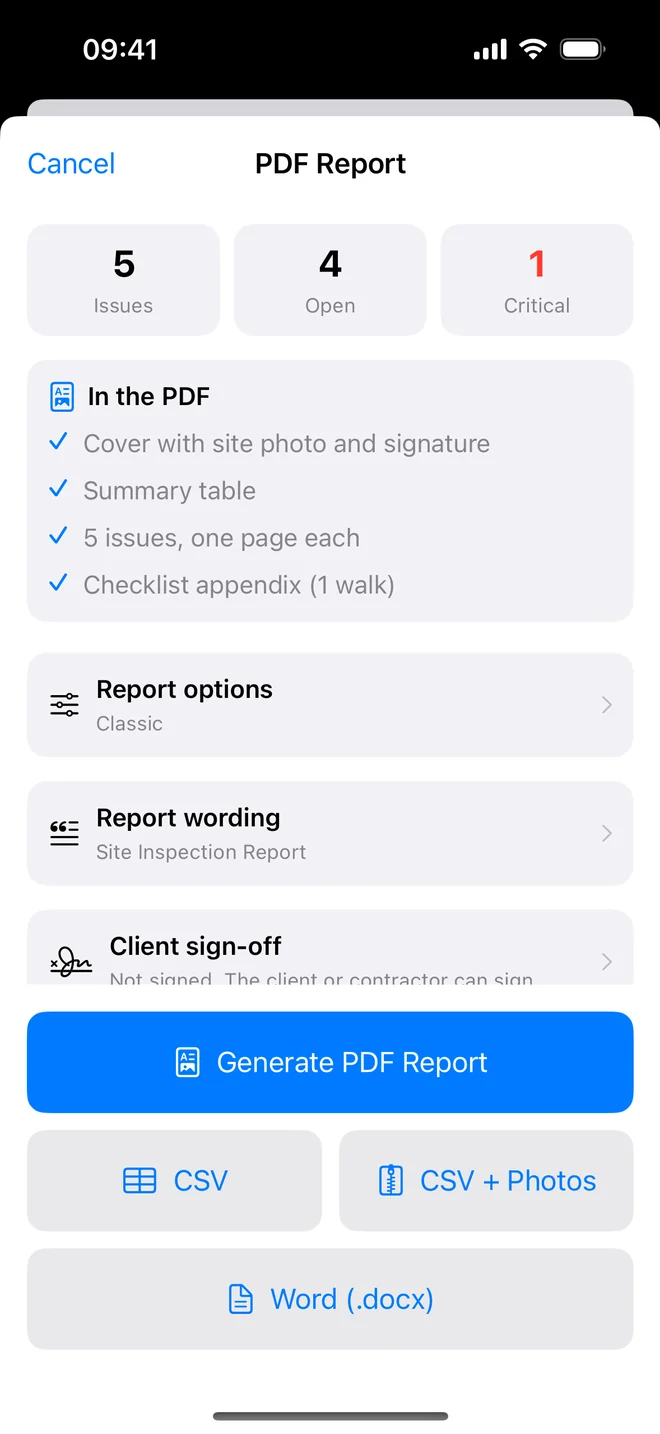
- CSV + Photos names each file after its item: photos/003-VILLA-12-1.jpg.
The numbering mistakes that cost a morning
Numbering looks trivial until two people are on the phone trying to agree which item they are talking about. The mistakes we hear about most:
- Renumbering after deletions. Item 14 becomes item 13, the contractor's copy still says 14, and the wrong door gets planed. Numbers must never be reused.
- Numbering per room. "Kitchen 3" is clear on your list and ambiguous on theirs once the kitchen has two walks. A single sequence per project avoids it.
- No project prefix. A contractor with twelve plots on the same development receives twelve lists that all start at 001. A reference such as PLOT-12 in front of each number removes the doubt.
The re-inspection is where good numbering pays back. You walk with the list, the contractor says "34 to 41 are done", you filter, check and close those eight. Items you add on the re-inspection simply continue the sequence, so the history reads in order.
The same number follows the item everywhere: the PDF, the summary table, the CSV row and the photo file names in the zip export, so an email that says "see 027" leads straight to the right picture.
Related questions
What if I add items on the re-inspection?
They take the next numbers. Do not renumber; the contractor's copy is already in circulation.
Can I change the reference later?
Yes on the project header; existing item numbers keep the old prefix so nothing already sent becomes wrong.
Try it on your next walk
Free to download; the first project is free for good. No account.
Download on theApp Store