Step by step
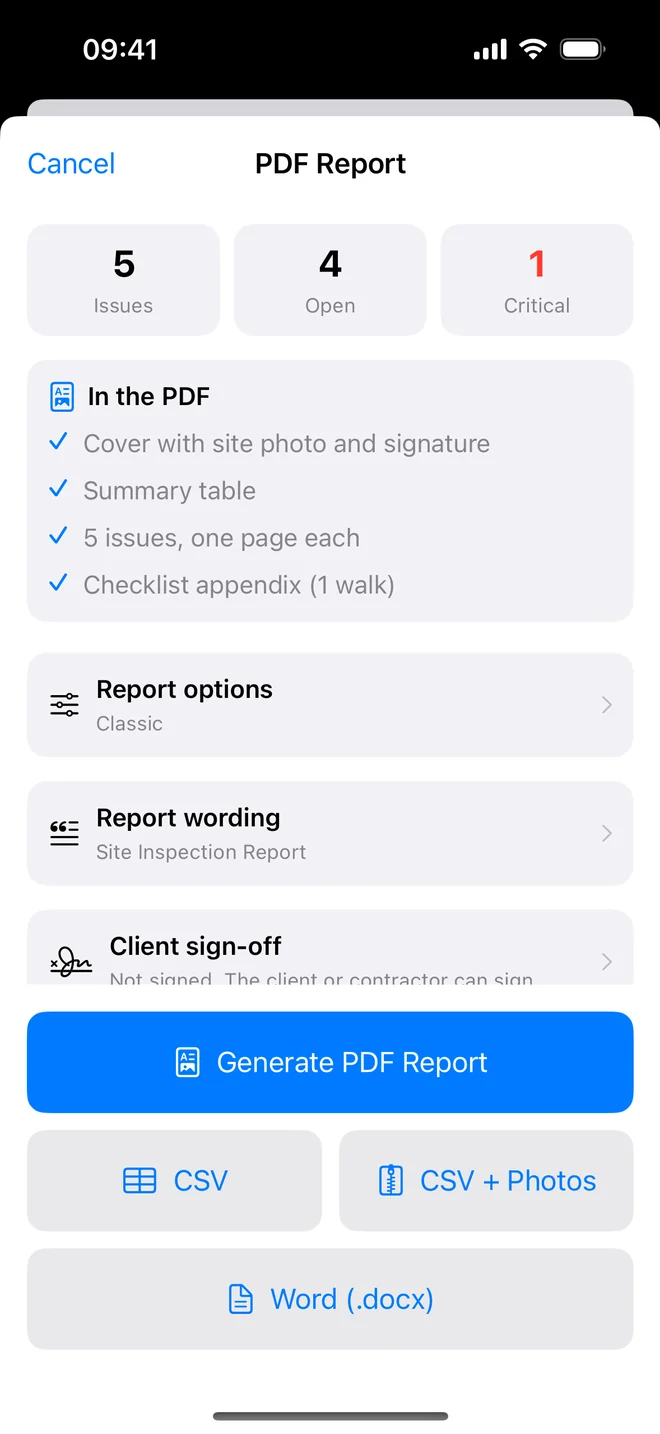
- Fill the project header before you arrive: client, address, reference, inspector.
- On site: photo → check the draft → Save and Take Next Photo.
- Last room: run the checklist appendix, read the summary table once.
- In the van: Generate PDF Report, Email Client, done.
Where the hours actually go
When inspectors time themselves, the walk is rarely the problem. A three-bedroom new build takes two to three hours on site whatever tool you use. The time disappears afterwards:
- transferring photos from the phone and renaming them;
- matching each photo to a line in the notes;
- rewriting shorthand ("LR skirt gap") into sentences a buyer understands;
- formatting a document so it looks professional.
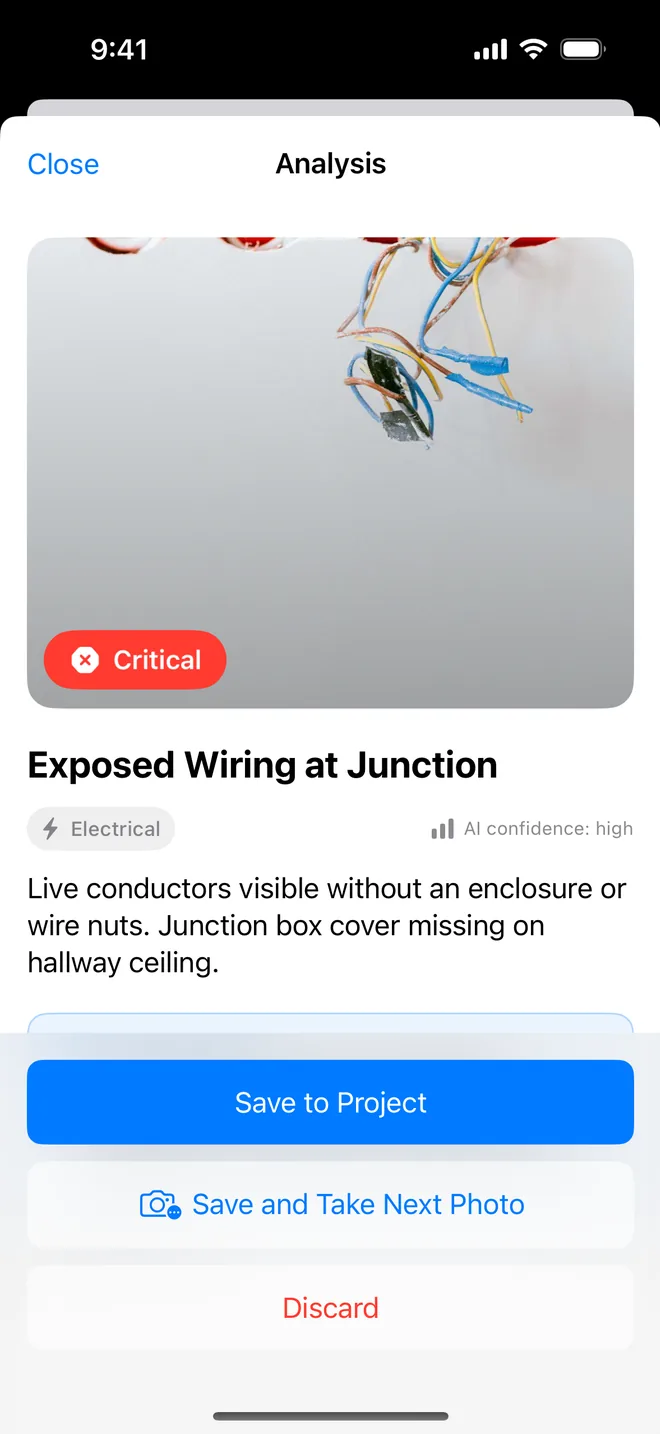
That is typically two to four hours per report, often in the evening. Writing each item on the walk removes all four steps, because the photo, the sentence and the layout are created together.
A realistic target once you are used to it: the report leaves within an hour of the last room. The minutes that remain are the valuable ones: reading the summary table once, checking that severities are consistent, and adding the one paragraph of context only you can write.
Clients notice a same-day report, and it frees your evenings for the next booking instead of the last one.
Related questions
What about the write-up quality?
The draft follows the observation-evidence-recommendation shape; you edit the ones that need it. Most inspectors change a few words on one item in five.
Can I still add to the report later?
Yes; items keep their numbers, and generating again produces a new dated PDF.
Try it on your next walk
Free to download; the first project is free for good. No account.
Download on theApp Store