Step by step
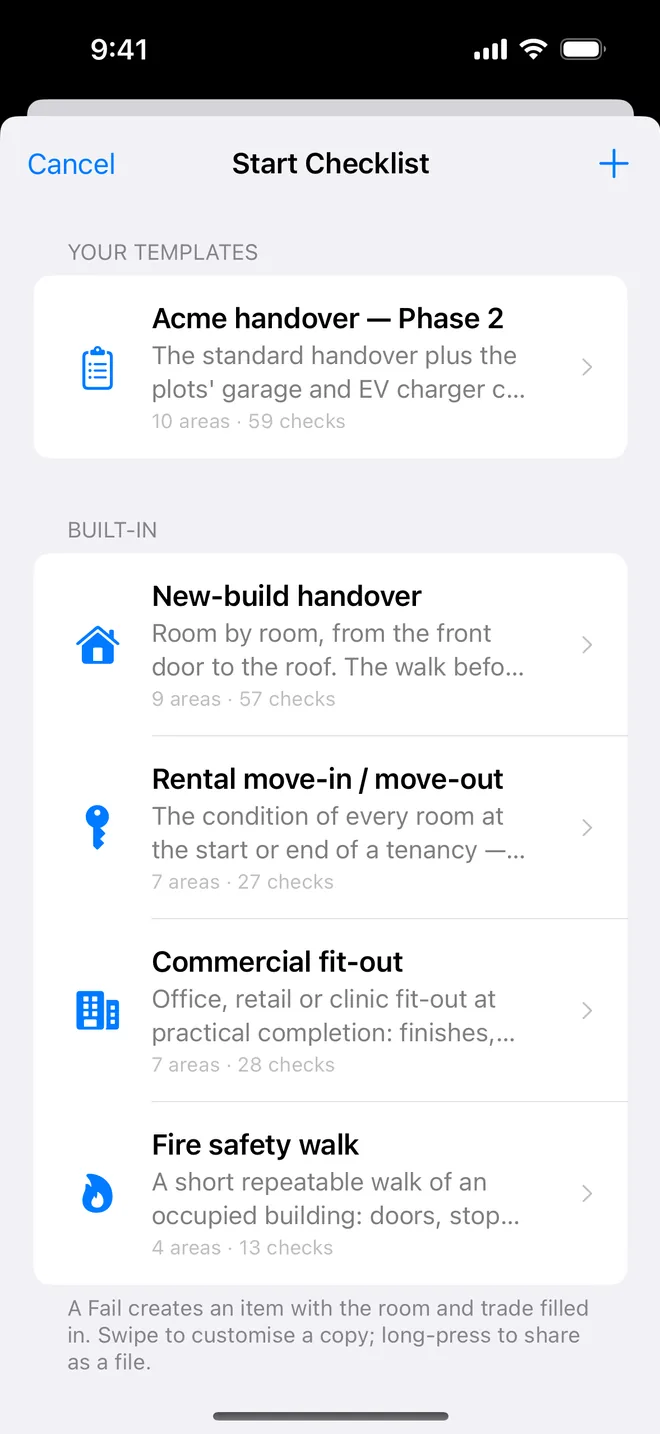
- Use the Final walkthrough or Pre-drywall template for the walk; a Fail becomes an item with the room filled in.
- Photograph each defect; the draft gives severity and a recommendation the builder can act on.
- Generate the PDF; the summary table and item pages are what the buyer forwards to the builder.
- On the re-inspection, add after photos and close items; the closeout report shows both.
Related questions
Does it have a standards-of-practice template?
No. Its checklists are room-by-room defect walks. You can build your own template with your sections if that fits your process.
Can I use it alongside my report software?
Yes. CSV + Photos exports every item and photo, named by item, into whatever you use.
Try it on your next walk
Free to download; the first project is free for good. No account.
Download on theApp Store