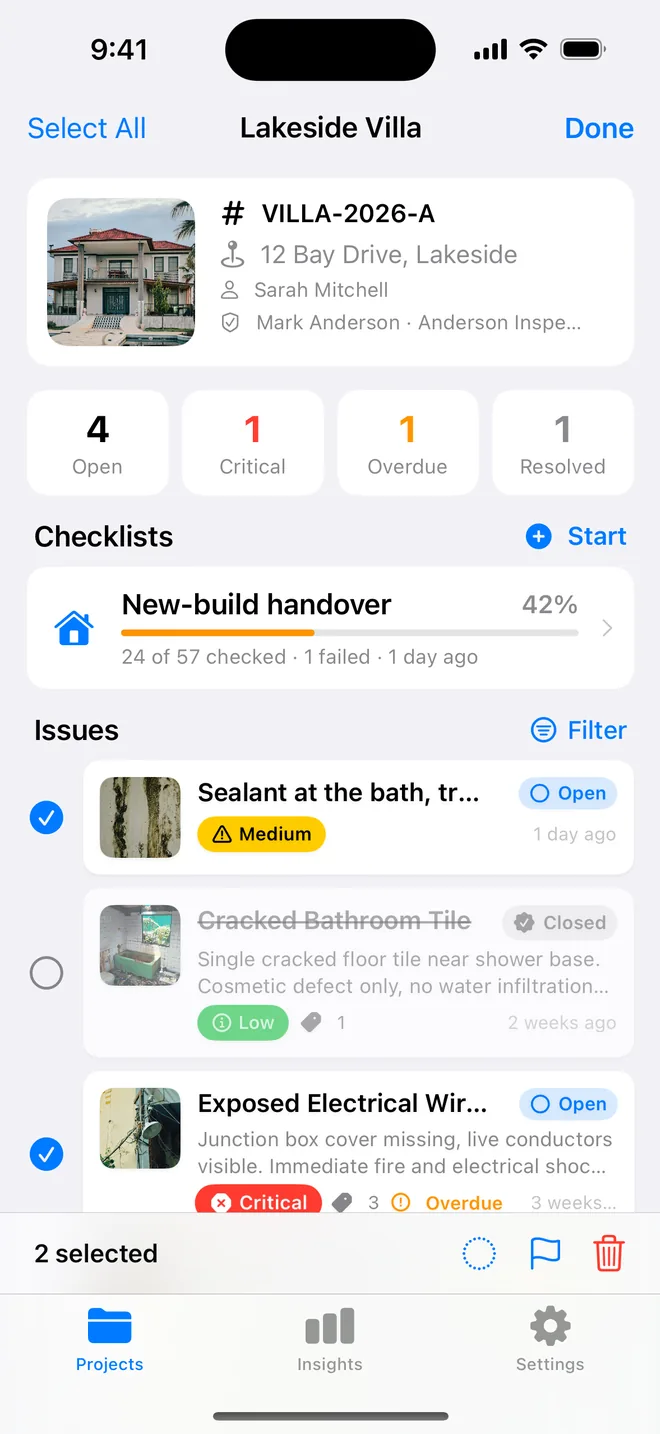
Step by step
- Assignee on every item, the trade or the named contractor.
- Location precise enough to find without you: room, wall, element.
- One-line action, not a paragraph; the photo carries the rest.
- Due dates; the summary table shows overdue in red.
- When they report back, select the items and change status together; verify on your re-inspection.
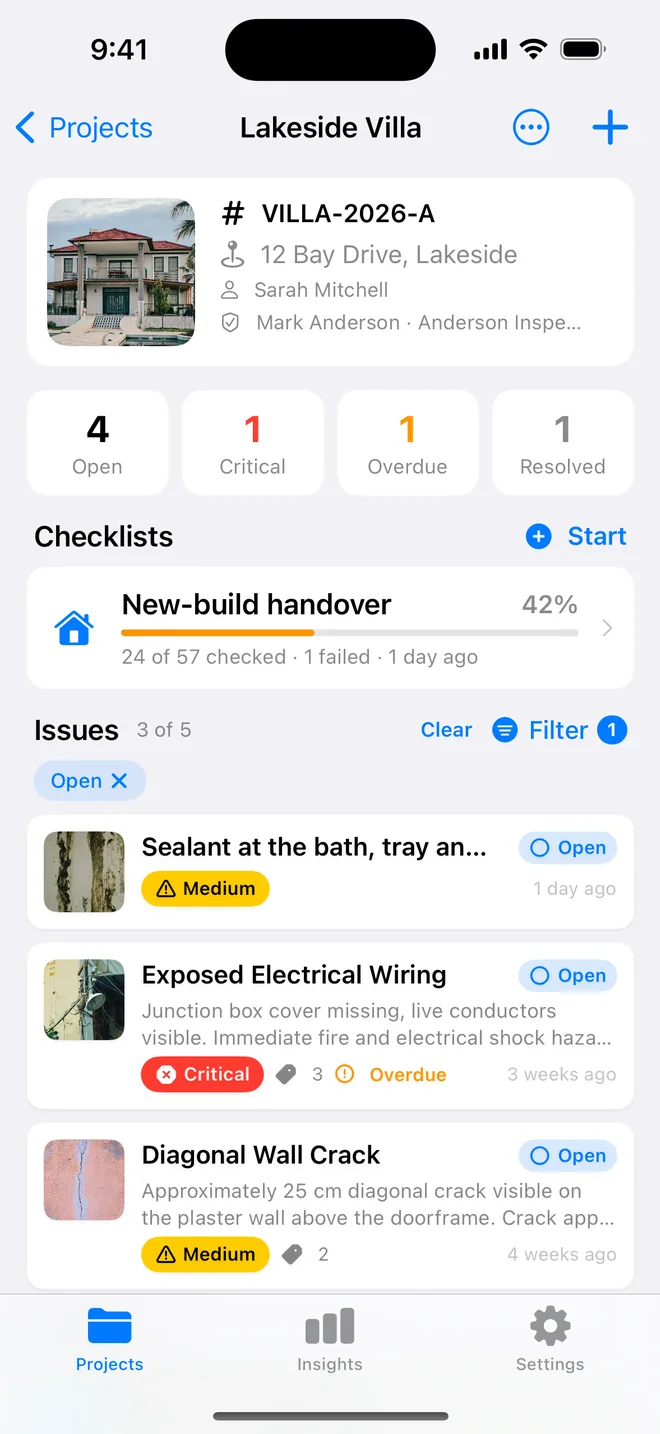
On site
What gets items closed faster
Ask site managers what slows a punch list down and the answers are remarkably similar:
- "I can't find it." A location like "bedroom" on a house with four bedrooms. Name the room the way the drawings do and add the element: "Bed 3, window reveal, left side".
- "It's not ours." Items with no assignee go round the site for days. Put the trade on every row, even when you are not sure; the site manager will correct it faster than they will assign it.
- "Which one is 23?" Lists that were renumbered or split. Keep one sequence and never reuse a number.
- "We did that already." Items closed on site but not on the list. A quick re-walk with the contractor, closing items together with an after photo, ends the argument.
Due dates help more than people expect. A date on each item, even a rough one, turns the list into a programme; overdue items stand out on the summary table and in Insights, and the conversation moves from "when?" to "why not?".
Related questions
Should I send the CSV or the PDF?
Both. The PDF is the record; the CSV is what their office pastes into a tracker.
How do I stop 'not my trade' arguments?
Assign at the moment you record the item, while you are looking at it. Changing it later is what starts the argument.
Try it on your next walk
Free to download; the first project is free for good. No account.
Download on theApp Store