Step by step
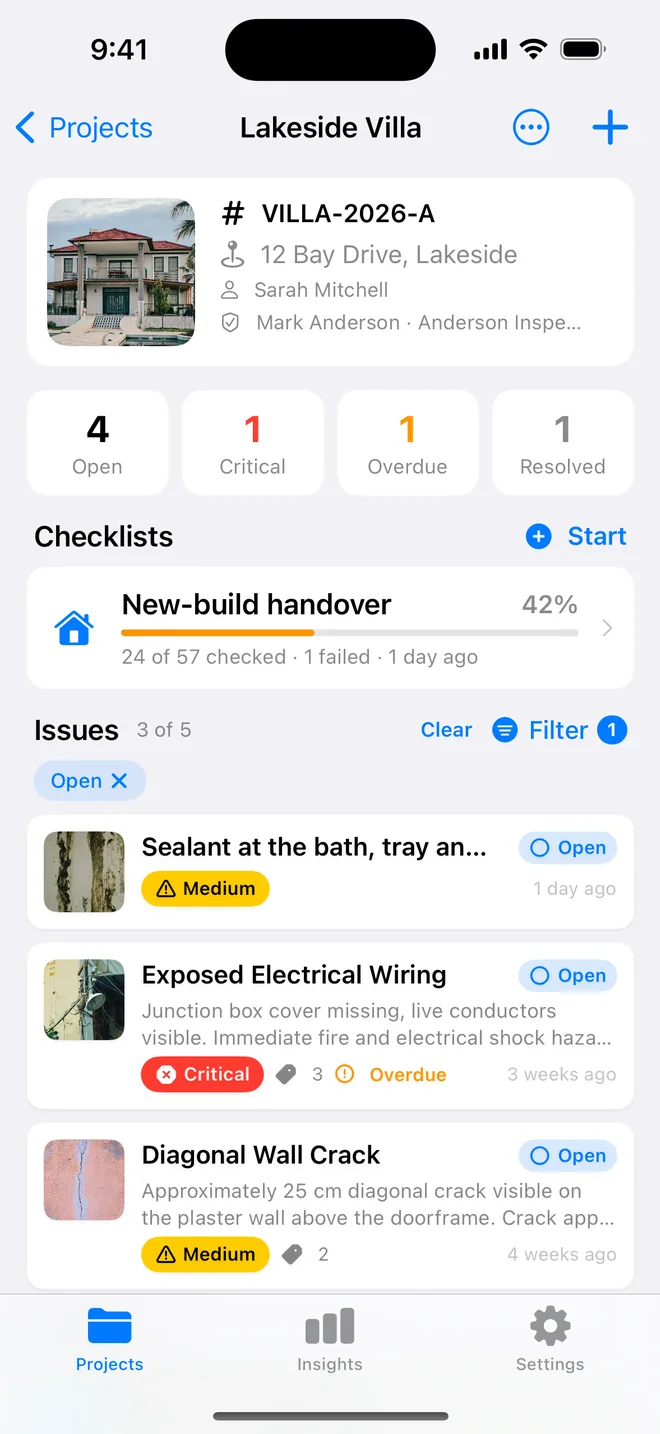
- Ask: what happens if nobody fixes this for a year? Nothing visible → low. It looks bad or works badly → medium. Something gets damaged → high. Someone gets hurt or it is damaging now → critical.
- Keep priority equal to severity unless a client or a date says otherwise, two badges that always agree are noise.
- Reserve red for critical. A report with ten red items has nine that are not.
The AI draft suggests a severity with a confidence rating; you change it in one tap. Priority follows severity unless you set it apart, so the row shows a single badge. Insights counts criticals across every project and lists them under Needs attention.
Related questions
Is severity the same as priority?
No. Severity is how bad it is; priority is when it gets done. They agree nine times in ten, which is why the app makes priority follow severity by default.
Who decides: me or the AI?
You. The AI proposes and shows its confidence; the saved item is what you chose.
Try it on your next walk
Free to download; the first project is free for good. No account.
Download on theApp Store