Step by step
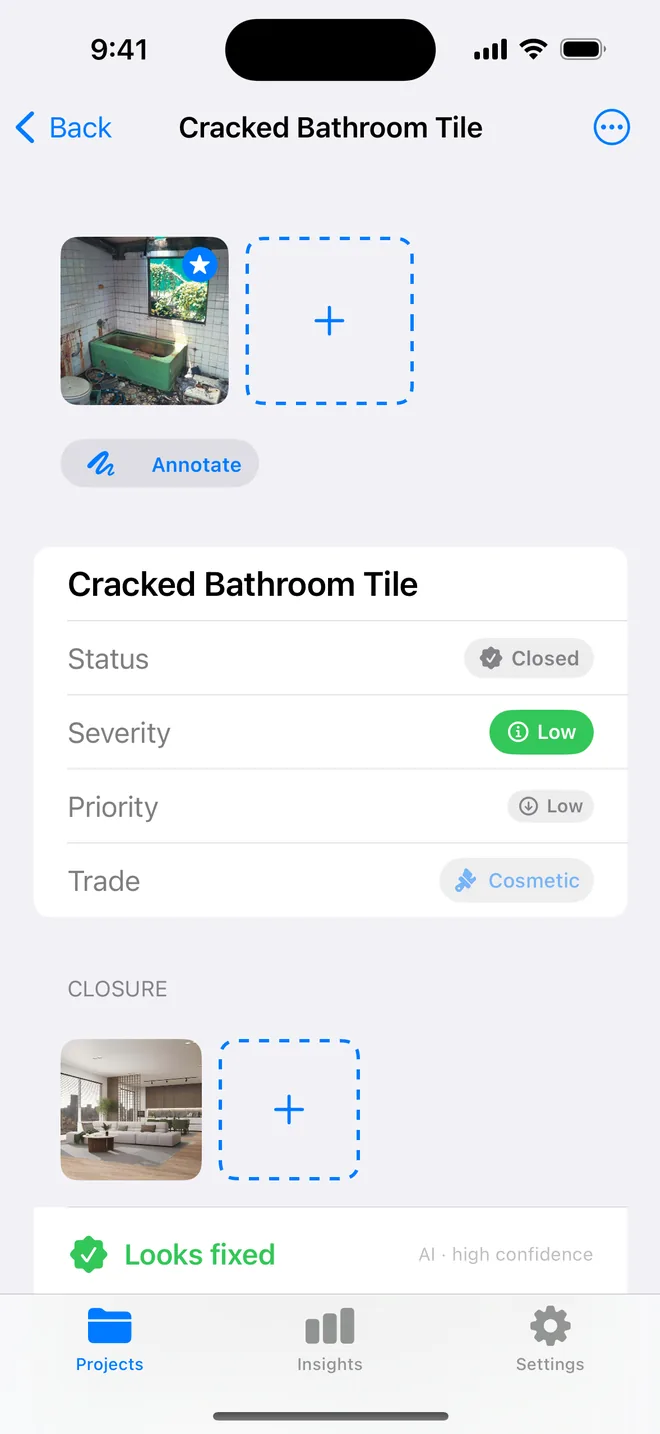
- Wide shot first: doorway, wall or fitting in frame so the location is obvious without a caption.
- Close-up second: fill the frame with the defect; a coin or tape gives scale.
- For paint, plaster and tiling, hold the torch to the side, raking light shows what the flash hides.
- Circle or arrow on the annotation layer; the original stays untouched for the record.
- Keep the time and location line on in Report options.
Related questions
Does the AI need a particular kind of photo?
The same close-up you would take anyway. It reads better when the defect fills the frame and the light is even.
Can I import photos taken with the normal camera?
Yes; they keep their EXIF time and GPS, and the AI drafts from them the same way.
Try it on your next walk
Free to download; the first project is free for good. No account.
Download on theApp Store